
AI Image Editor
Edit, enhance, and transform any image with a simple prompt.
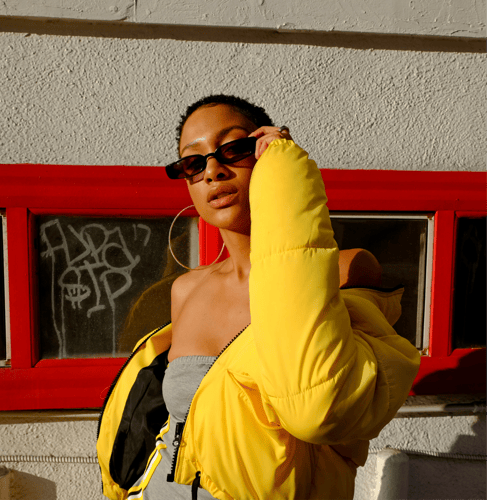
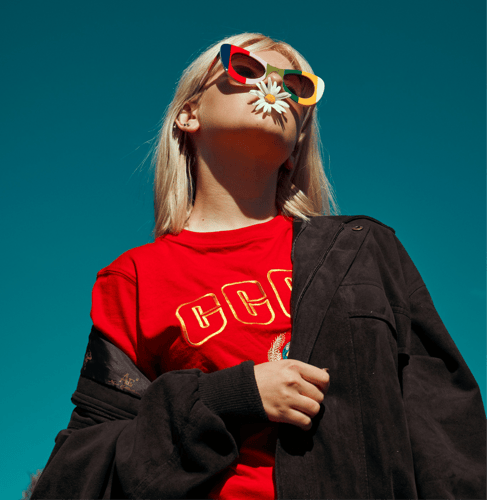
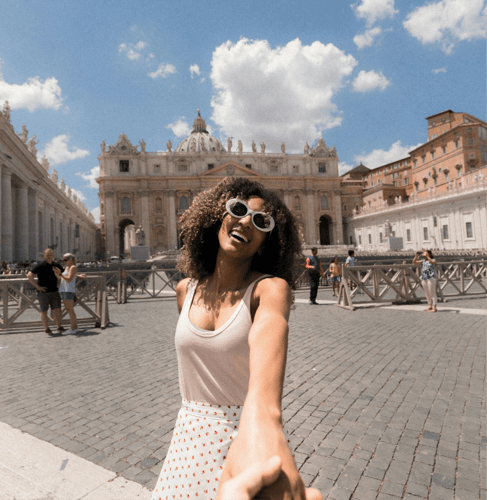
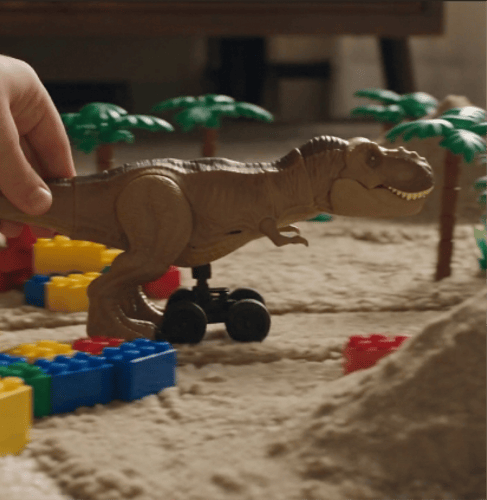
Key Features of AI Image Editor
Turn your ideas into better images with AI.
Remove Unwanted Objects with AI Image Editor
The most beautiful scenery is often spoiled by things that should never be there—a passerby wandering into the frame, clutter on the table, or power lines cutting across the sky. In AI Image Editor, simply brush lightly over these "uninvited guests," and the algorithm reads the logic of light, shadow, and texture, letting the hidden areas grow back naturally. What gets deleted is just an object; what remains is the world you truly wanted to keep when you pressed the shutter.
Start Editing Now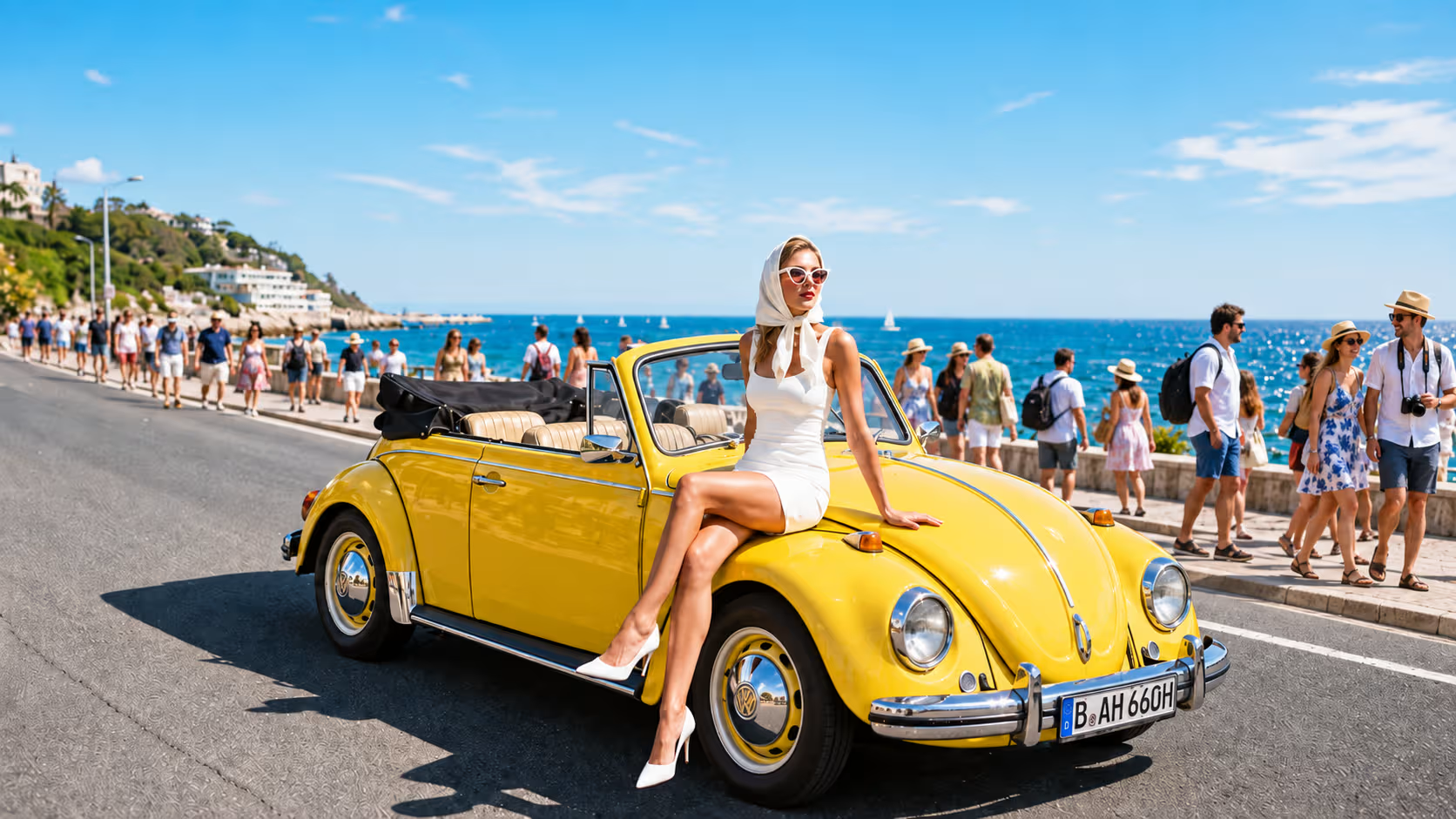
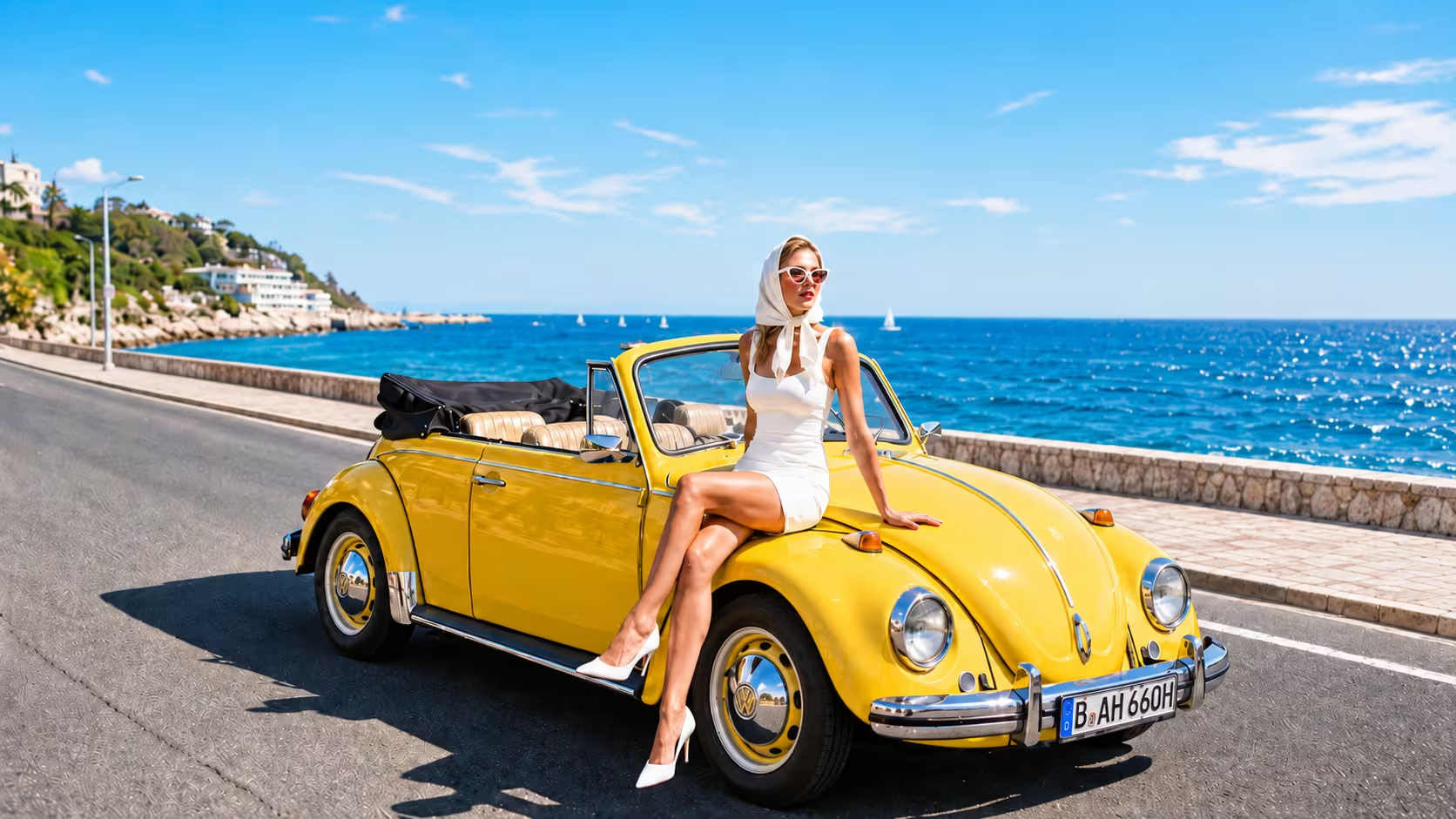 AFTER
AFTERAI Image Editor: Erase Watermarks Effortlessly
A date stamp in the bottom corner, a translucent mark left behind by old software, stray interface elements in a screenshot... AI Image Editor intelligently identifies every kind of mark layered over your image, removing them while reconstructing the covered areas based on the surrounding texture, and restoring a clean, complete picture—so you never have to learn complicated Photoshop operations. (Please use this feature only on images you own or are authorized to edit.)
Start Editing Now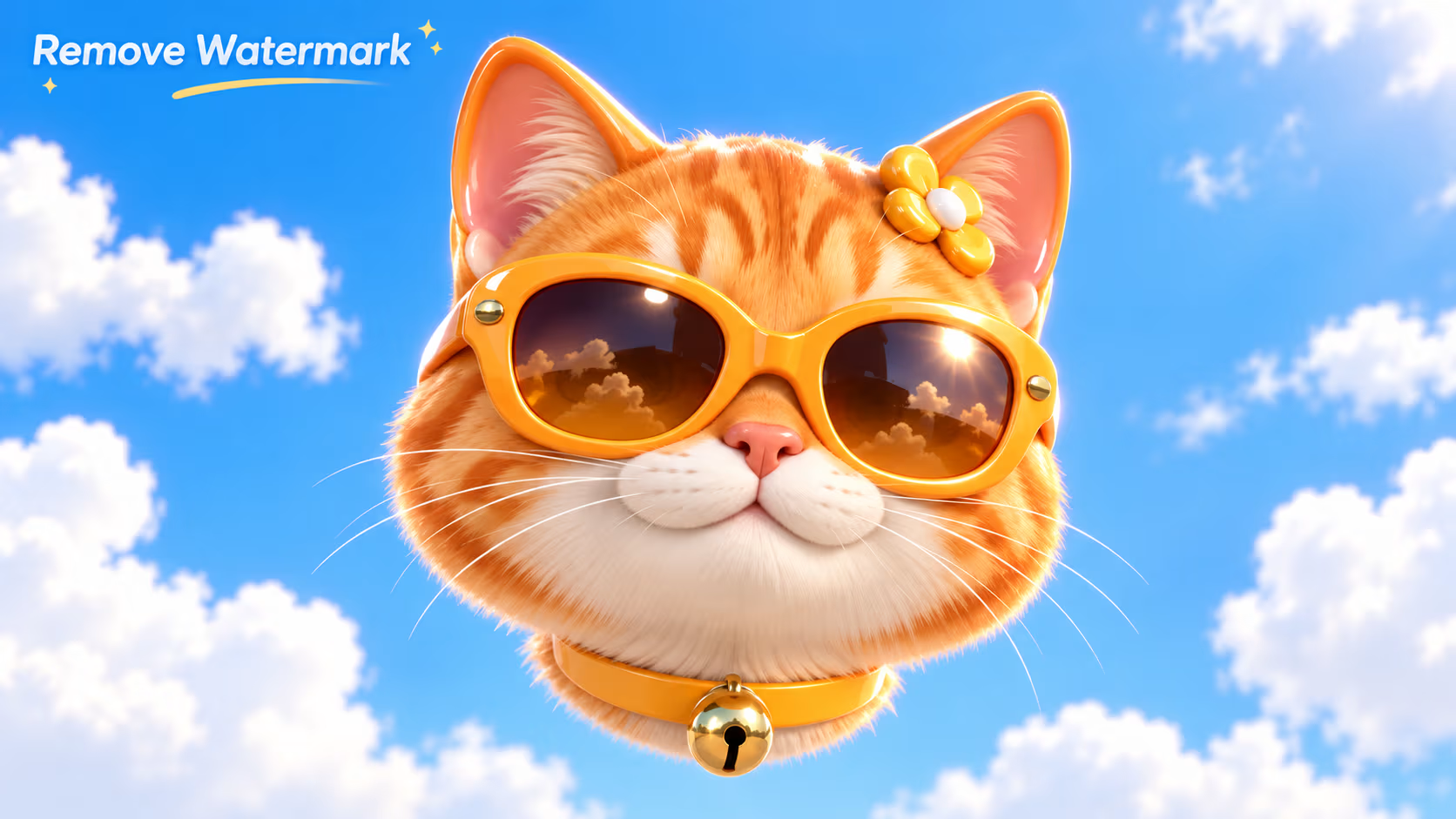
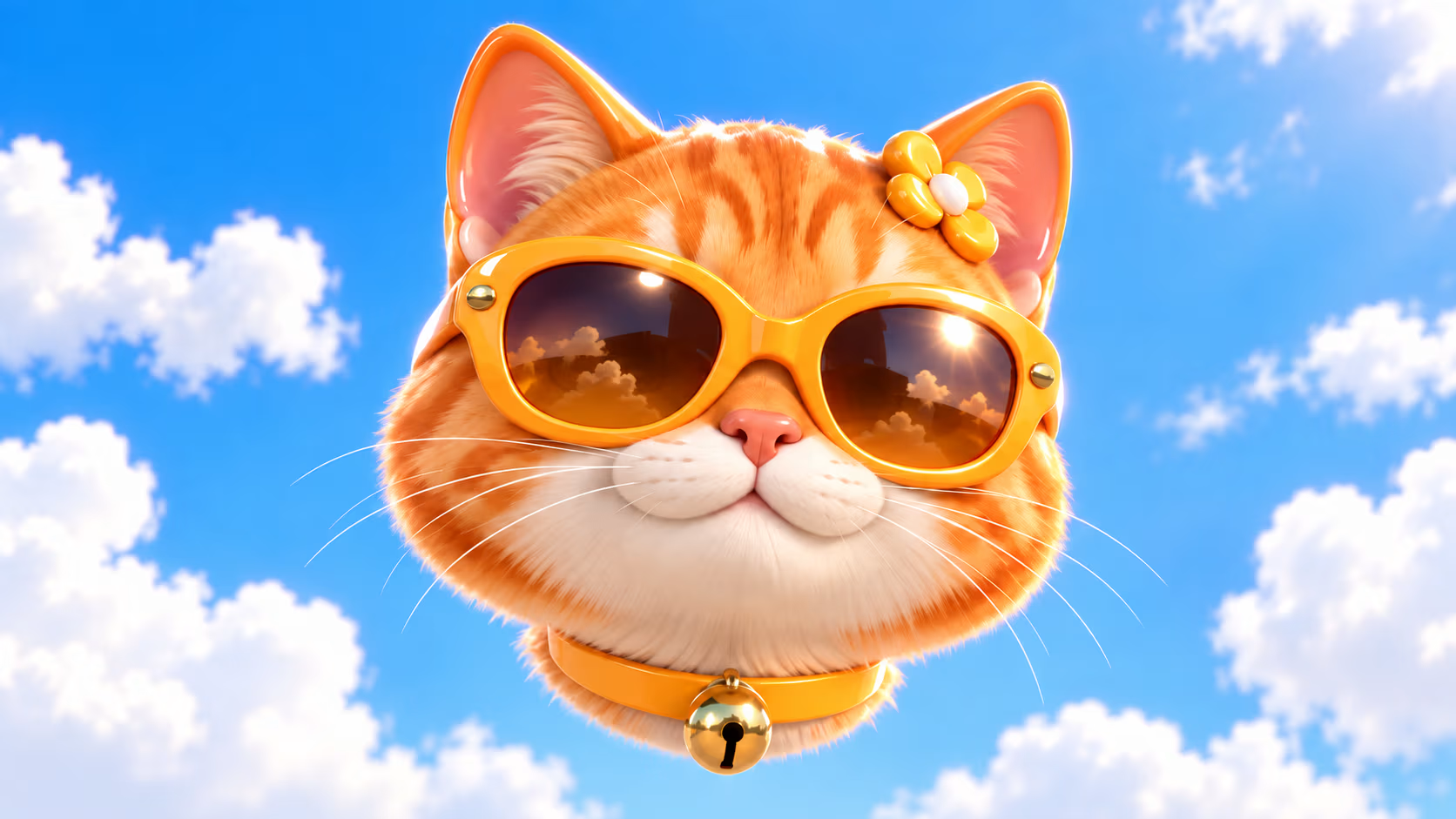 AFTER
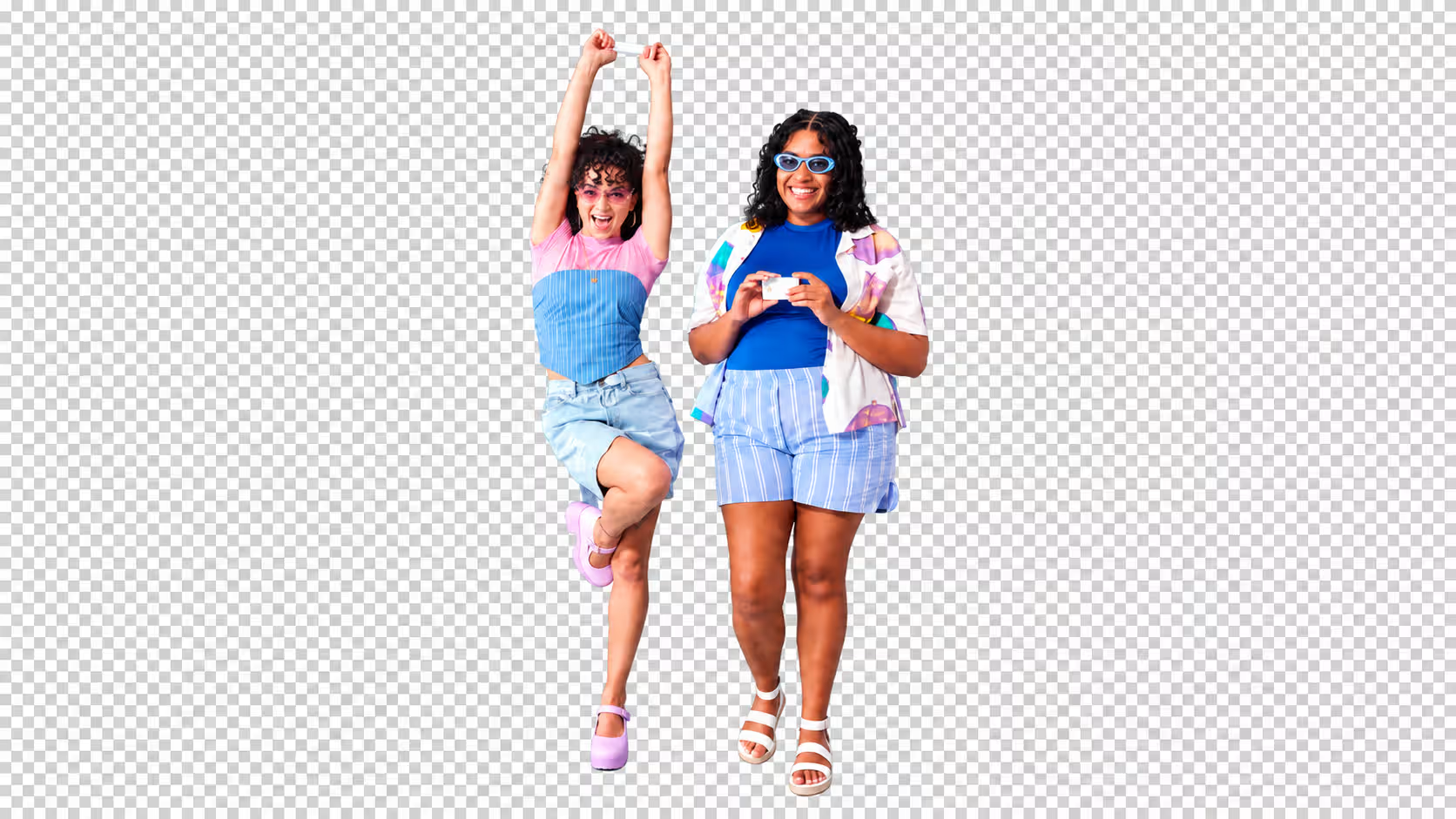
AFTERAI Image Editor Removes Backgrounds in Seconds
Whether it's an e-commerce product page, an ID photo, or a social media avatar, a clean cutout often determines the first impression. AI Image Editor identifies the subject within seconds, handling hair strands, eyelashes, and transparent edges with clean precision—no pen tool, no pixel-by-pixel masking. Cut out the subject and place it against a solid color or an entirely new scene; from "good enough" to "professional," all it takes is one file upload and a single line of text.
Start Editing Now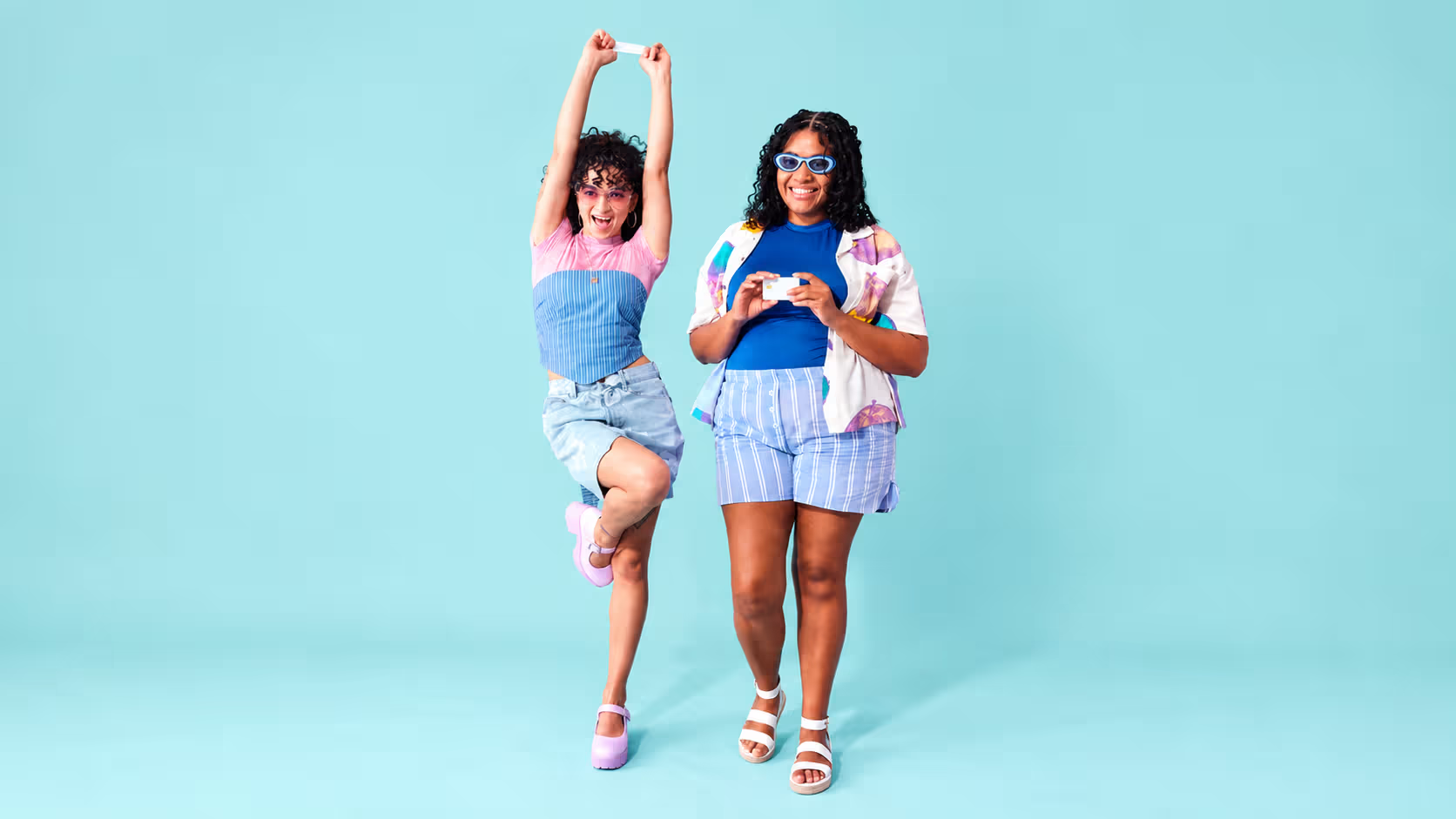
 AFTER
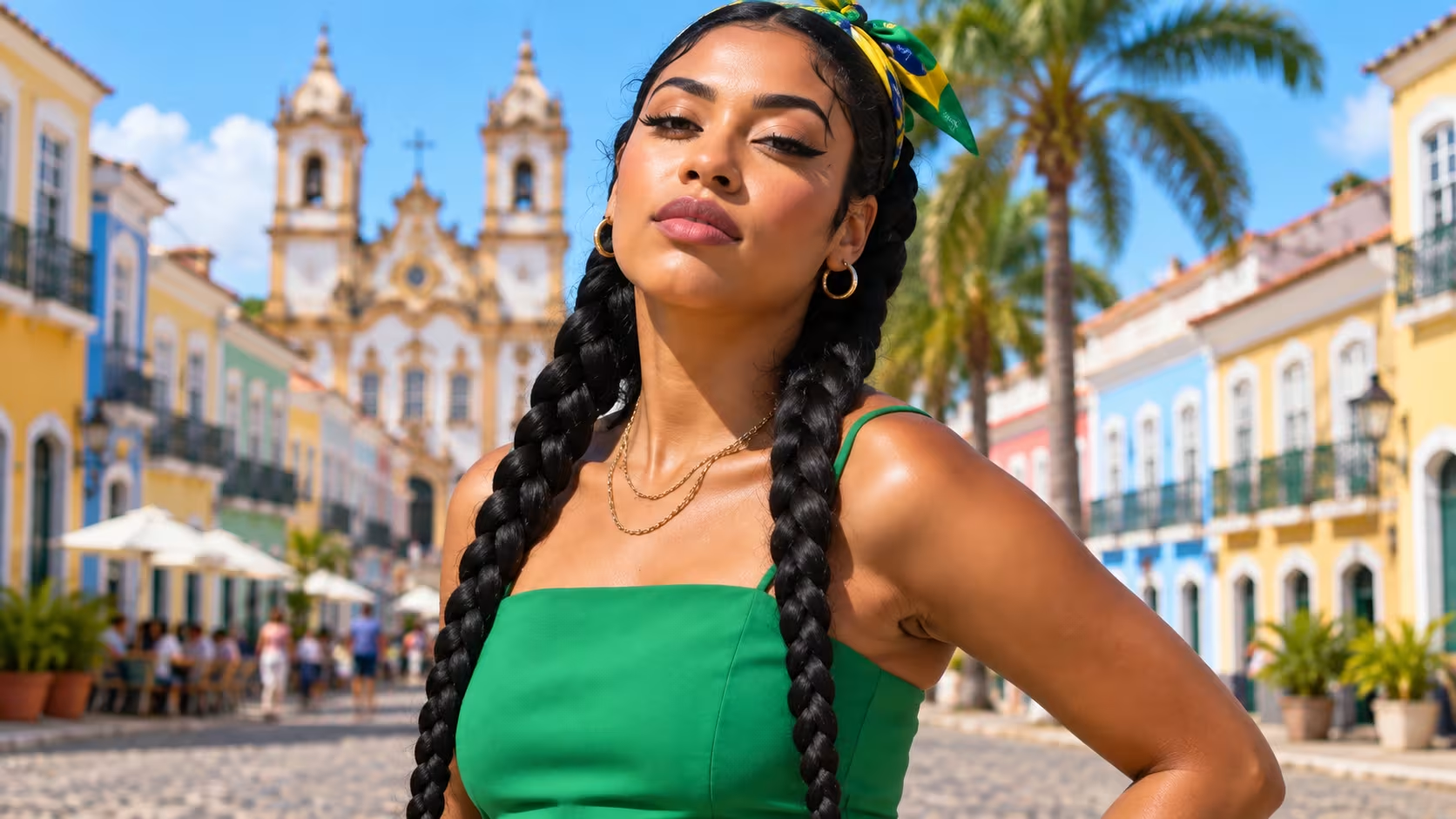
AFTERPhoto Cleanup Made Easy with AI Image Editor
Mold spots on old photographs, noise from low-light shots, scratches and dust on scanned prints—these tiny flaws are the biggest test of your patience. AI Image Editor breaks your image down into three layers—structure, texture, and color—and cleanses each in turn, wiping away imperfections while preserving the authentic grain of real detail. It's still the same photo—only now it can finally hold up to a closer look.
Start Editing Now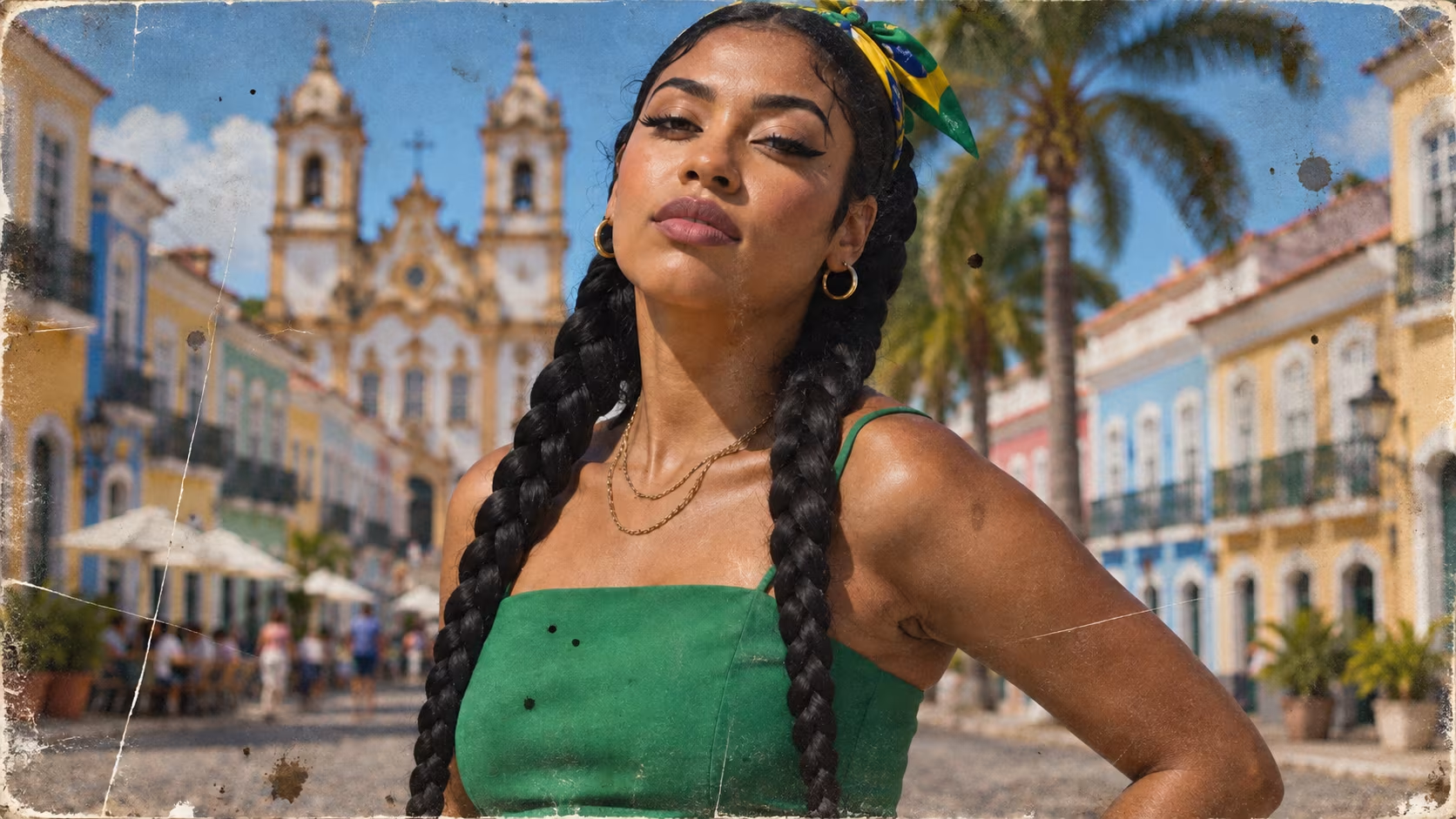
 AFTER
AFTERFrom Blurry to Brilliant with AI Image Editor
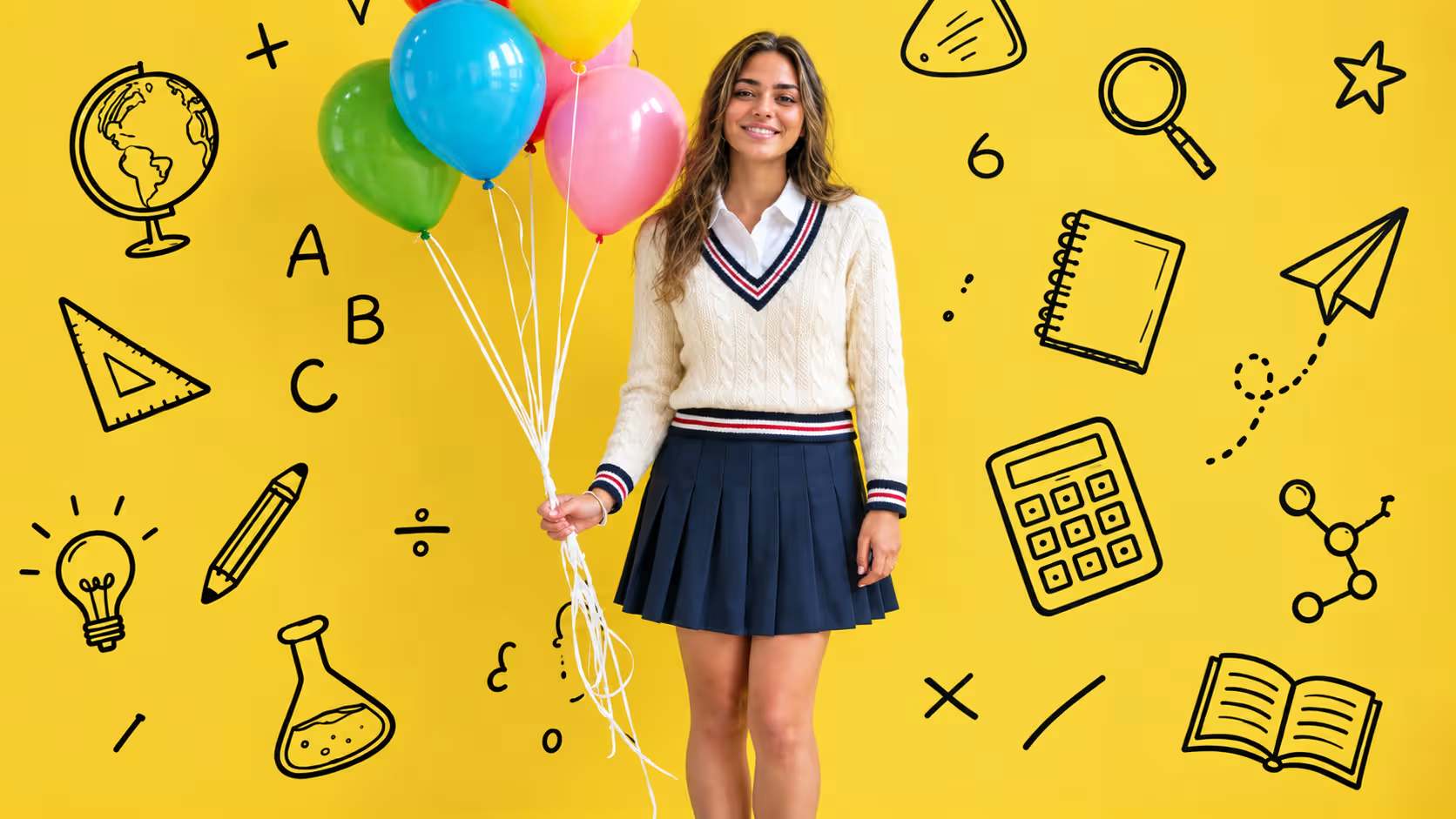
Blur, pixelation, and compression artifacts should never be the final form of a memory. Upload your photo, and the AI automatically analyzes the direction of edges and textures, reconstructing lost detail and boosting resolution, so low-resolution photos taken years ago still look sharp and presentable on today's Retina displays. Zoom in 3x, 5x—and faces you thought you'd never see clearly again miraculously regain their contours.
Start Editing Now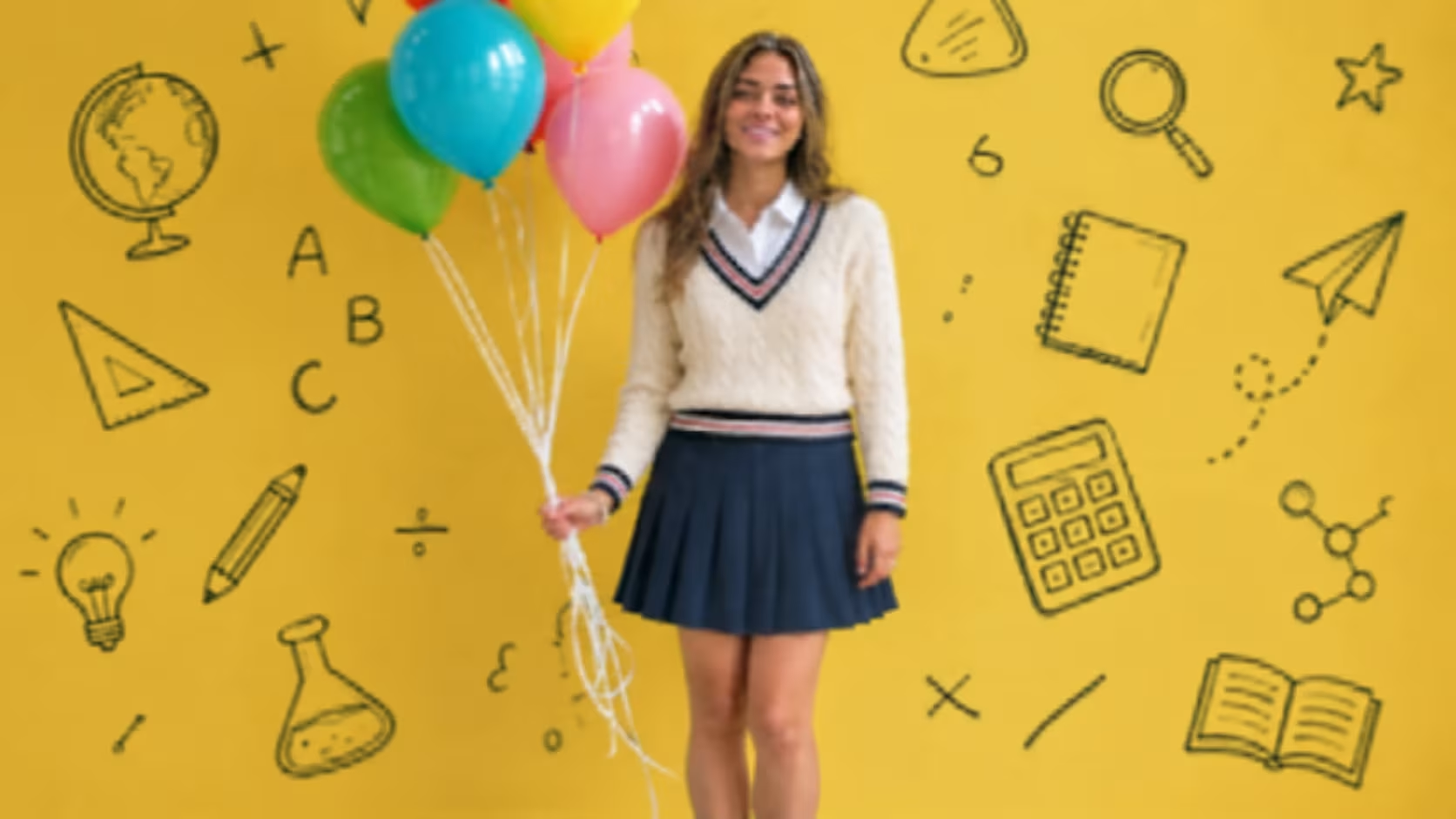
 AFTER
AFTERAI Image Editor Brings Old Photos Back to Life
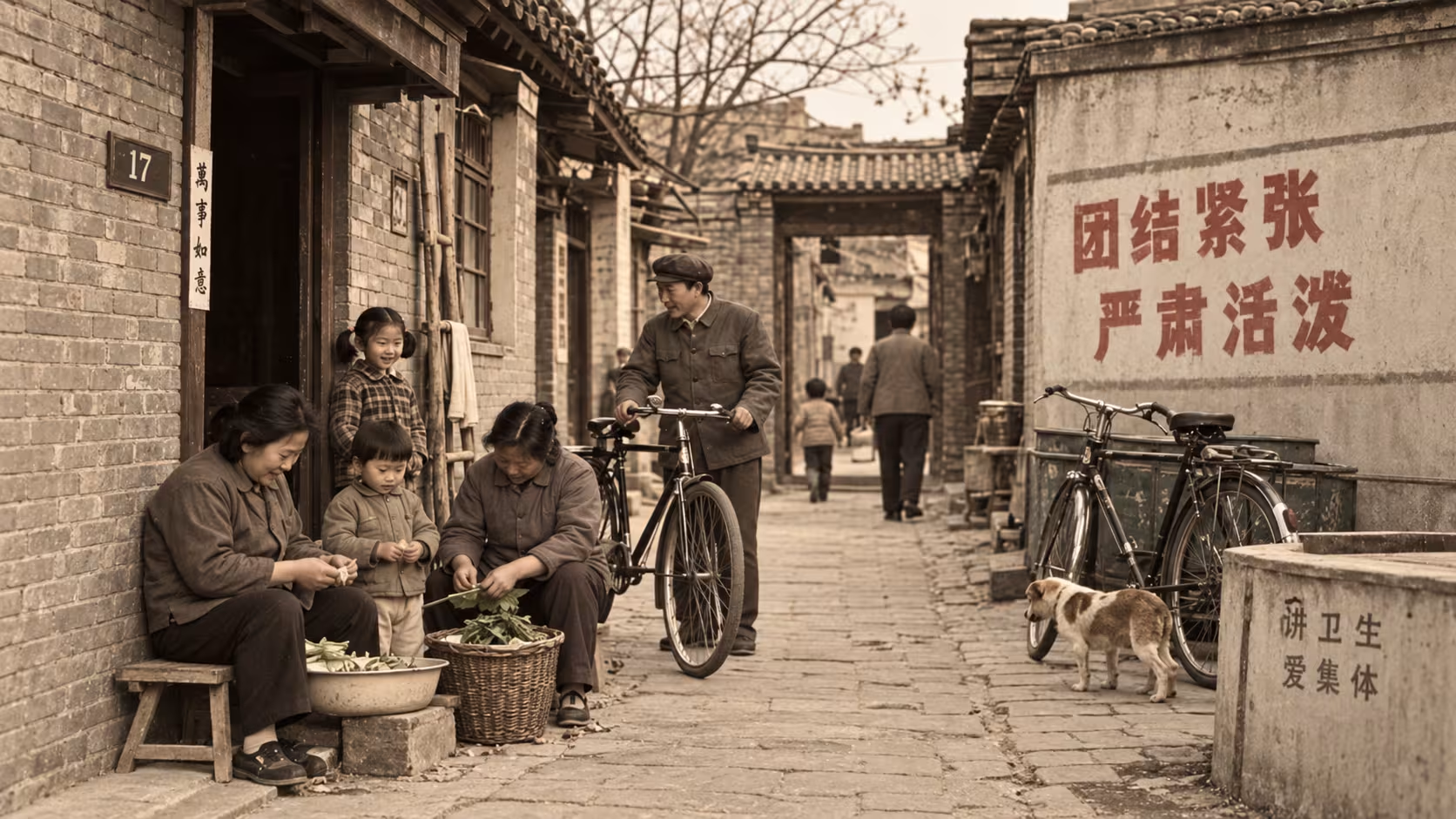
That group photo buried deep in a drawer, its crease running straight through Grandma's smile, its colors faded into a yellowed memory. AI Image Editor was made for photos like these: smoothing away creases and scratches, repairing damaged corners, reviving faded colors to full saturation, and even intelligently colorizing black-and-white photos. Technology can do more than retouch an image—it gently turns the clock back a little.
Start Editing Now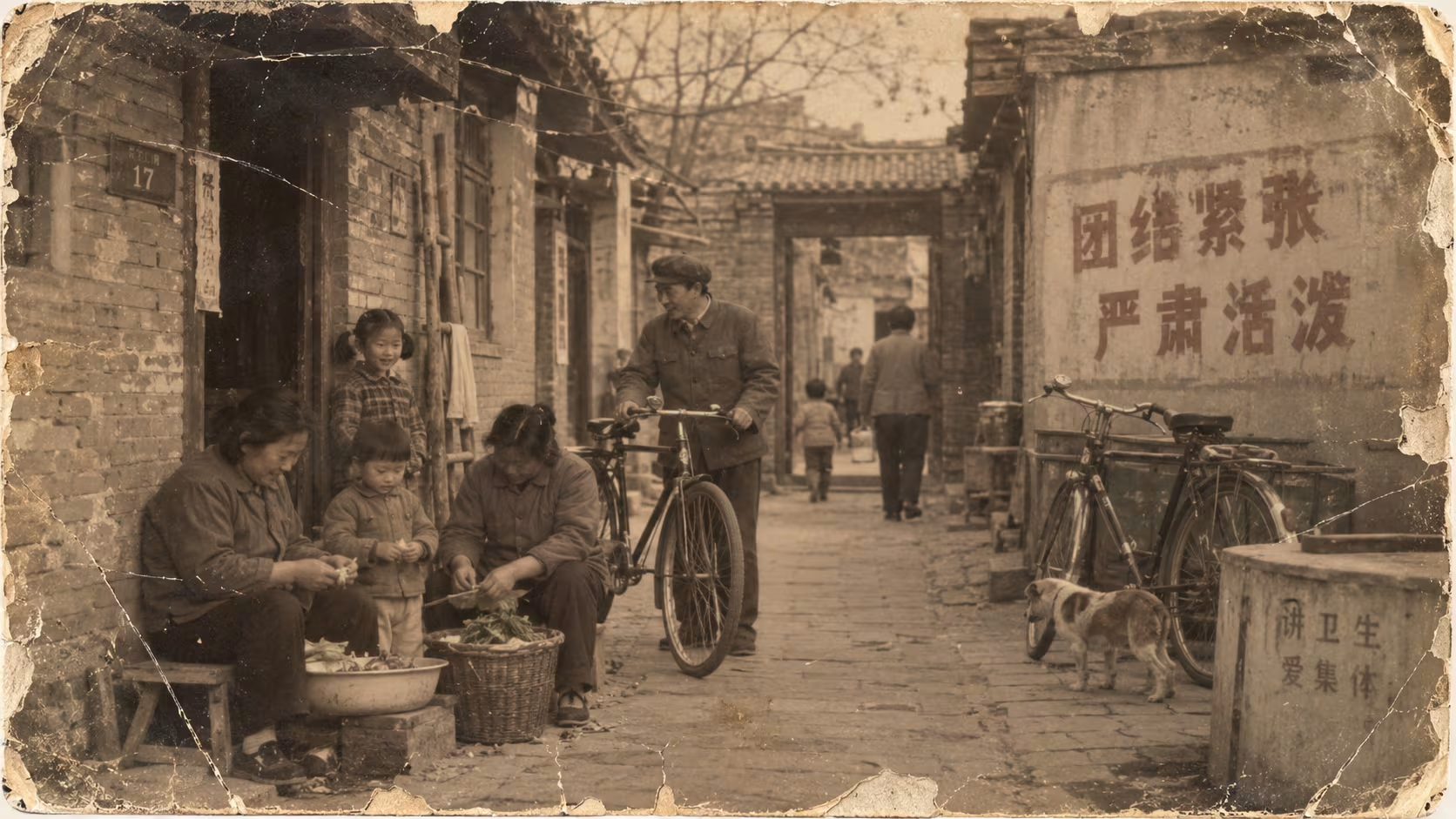
 AFTER
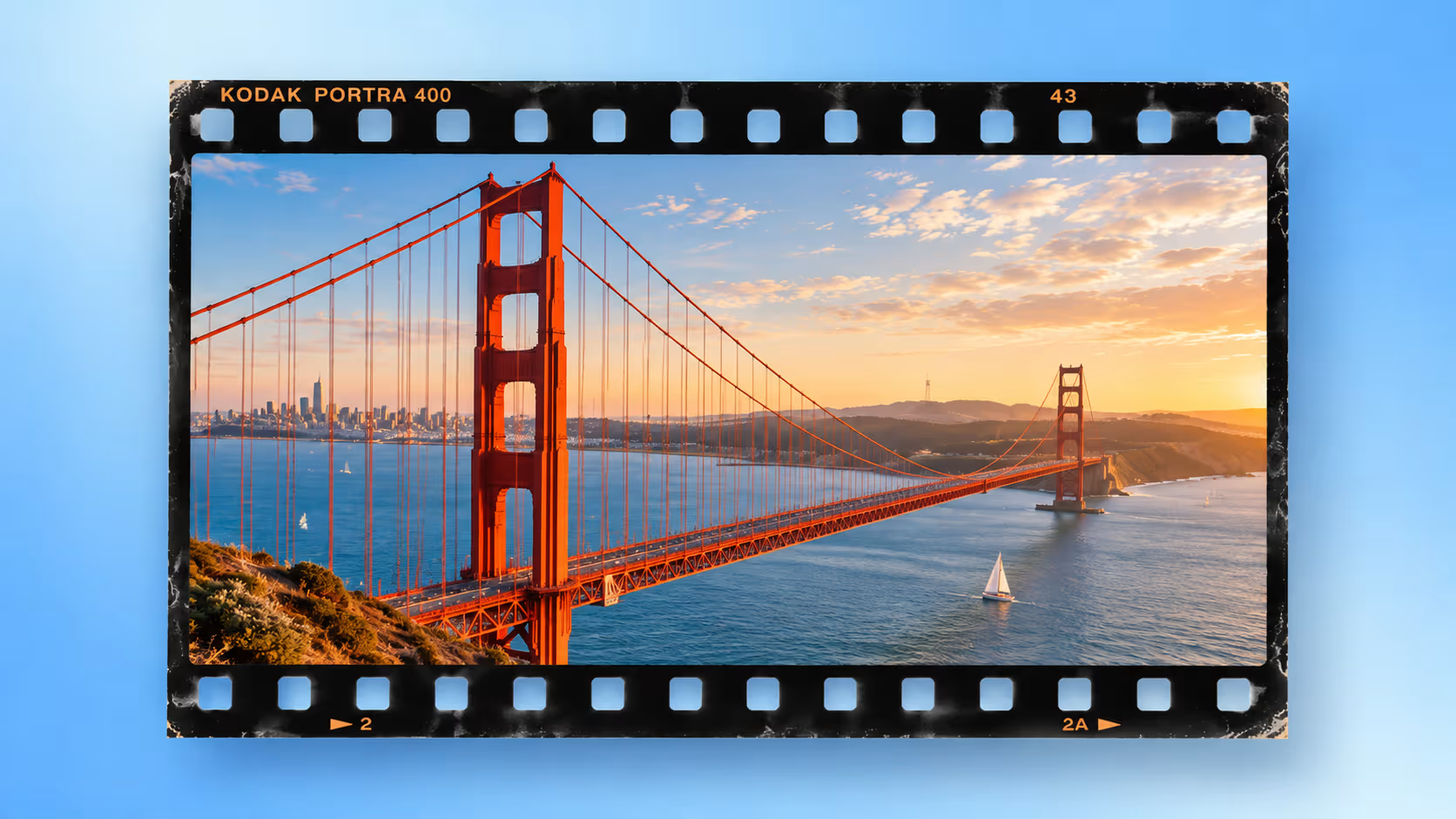
AFTERAI Image Editor Expands Photos to Any Aspect Ratio
One photo—but your social feed wants 3:4, your video thumbnail needs 16:9, and your avatar calls for 1:1. Instead of cropping over and over at the expense of your composition, let AI "expand" the frame for you. AI Image Editor extends the image outward along its original lighting, lines, and perspective, painting in a believable background. A single photo adapts gracefully to every platform—composition intact, no regrets.
Start Editing Now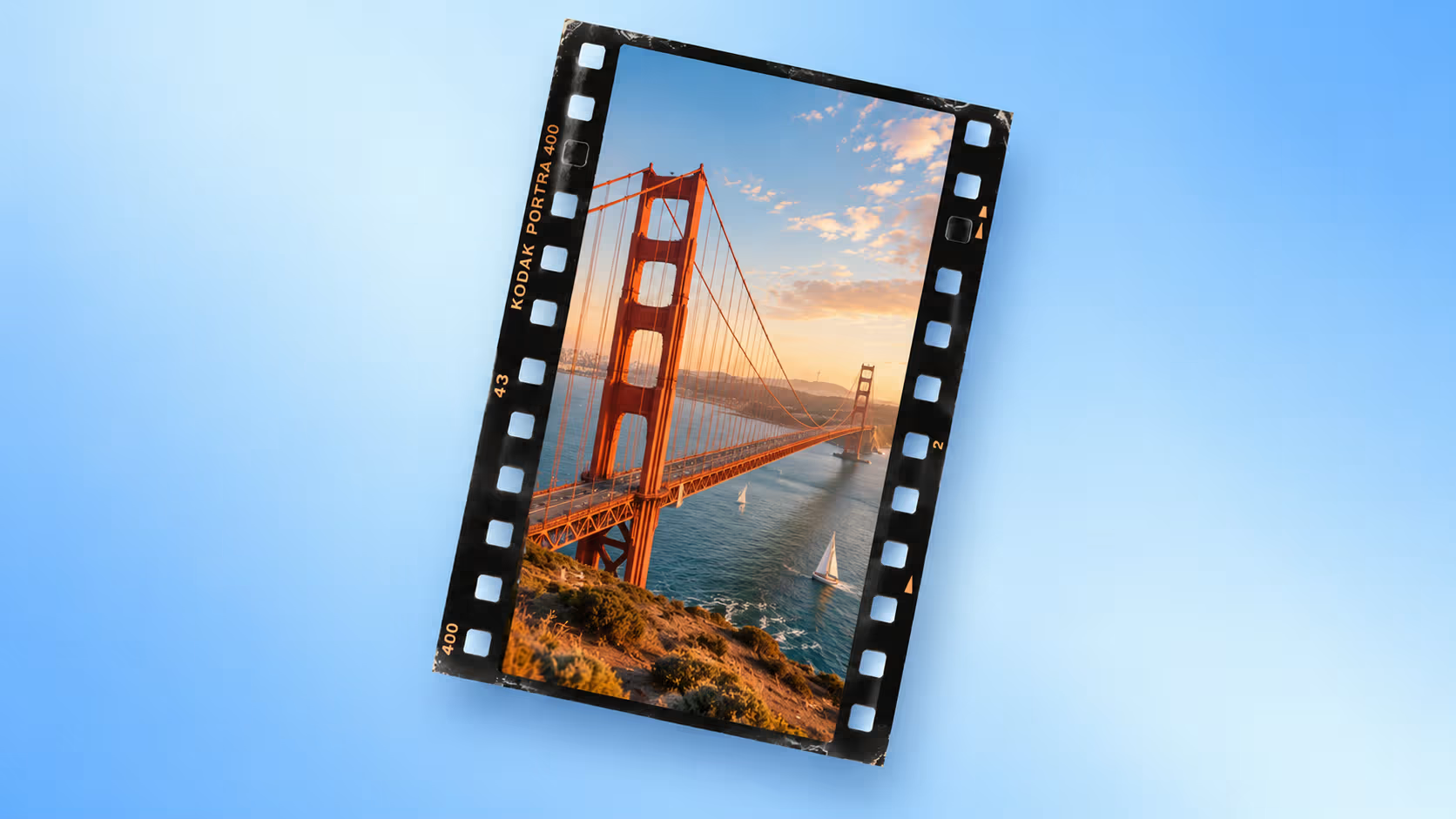
 AFTER
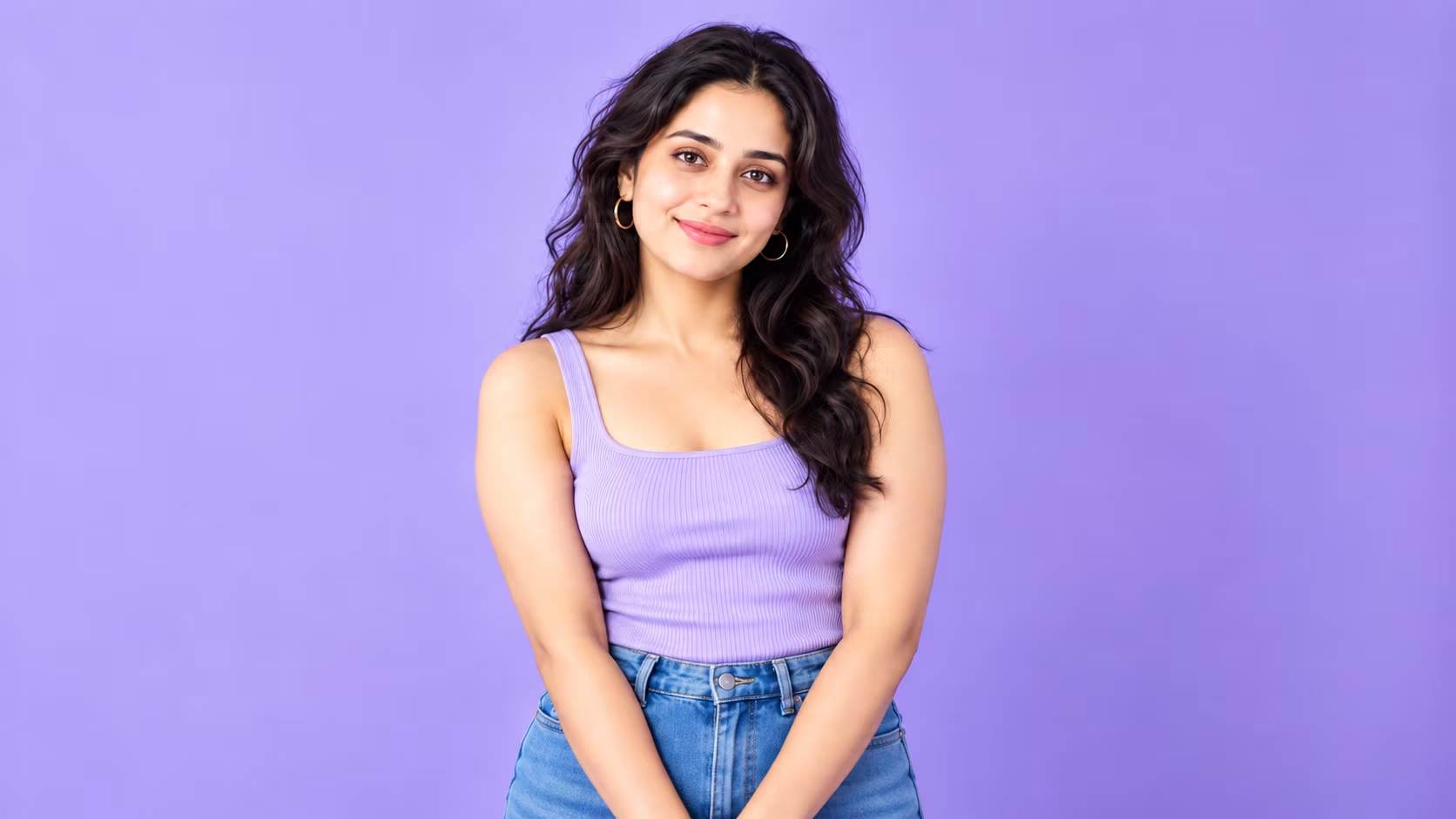
AFTERAI Image Editor for Natural Beauty Enhancement
Good retouching isn't a "face swap"—it's about looking like yourself, well-rested and at your best. AI Image Editor intelligently recognizes skin tone, facial contours, and lighting, softening blemishes, evening out skin tone, and brightening the eyes, all while preserving the skin's authentic texture and detail. Measured and natural—convincing enough to earn a friend's "You look great today."
Start Editing Now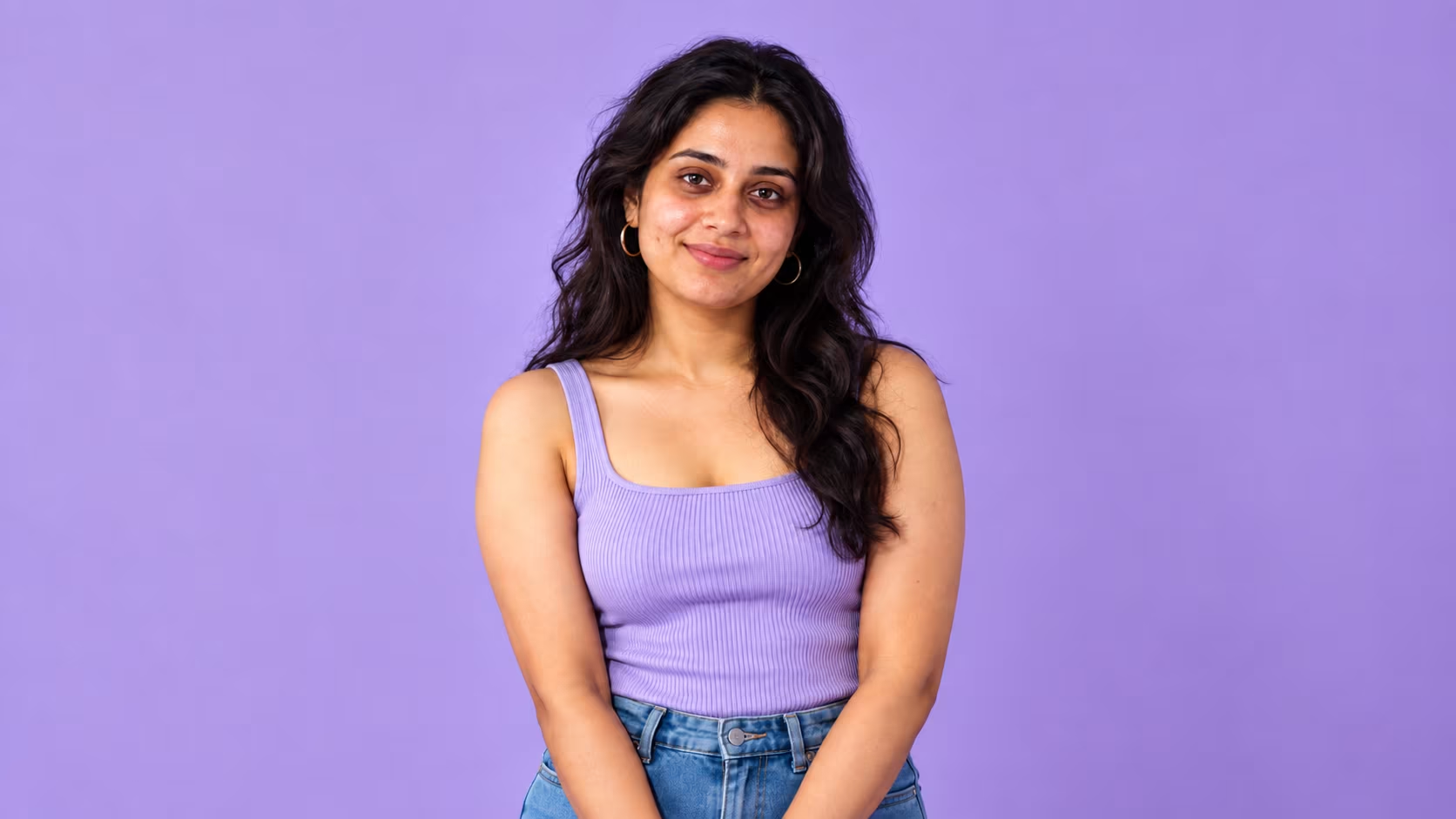
 AFTER
AFTERInstant Outfit Changes with AI Image Editor
Curious how that trench coat would look on you? No need to order first and return it later. Upload a photo, and the AI understands the garment's cut, the drape of the fabric, and the direction of the light, "dressing" the figure naturally in the new outfit, with folds and shadows that follow the body's posture. Whether it's for e-commerce try-ons, portrait shoots, or pure curiosity, changing outfits takes just a few seconds.
Start Editing Now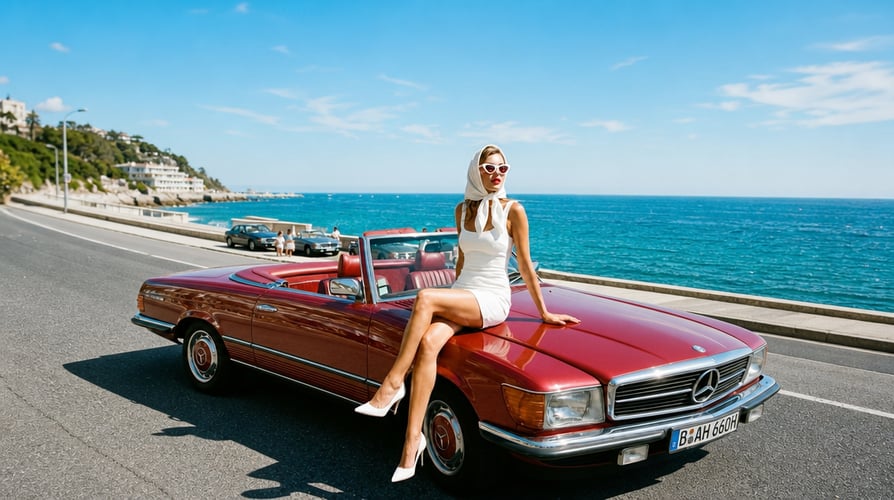
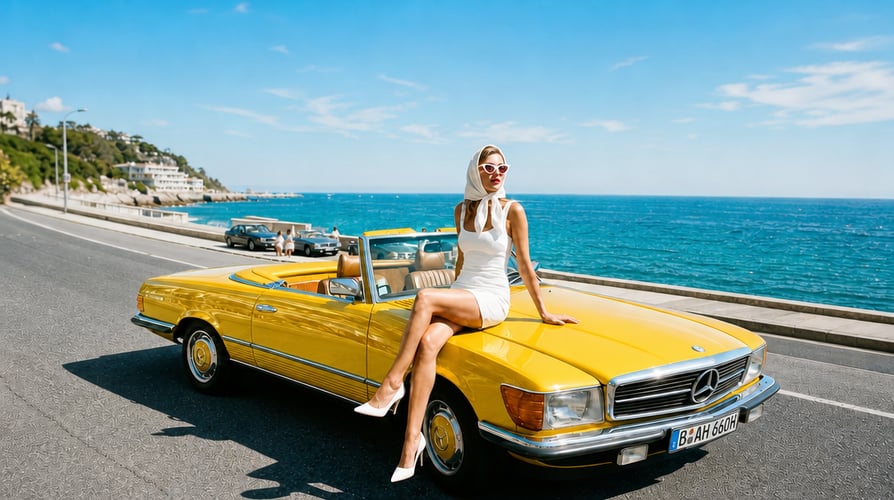 AFTER
AFTEREdit Any Image in 3 Simple Steps
Upload your image, describe what you want, and let Buzzy handle the rest.
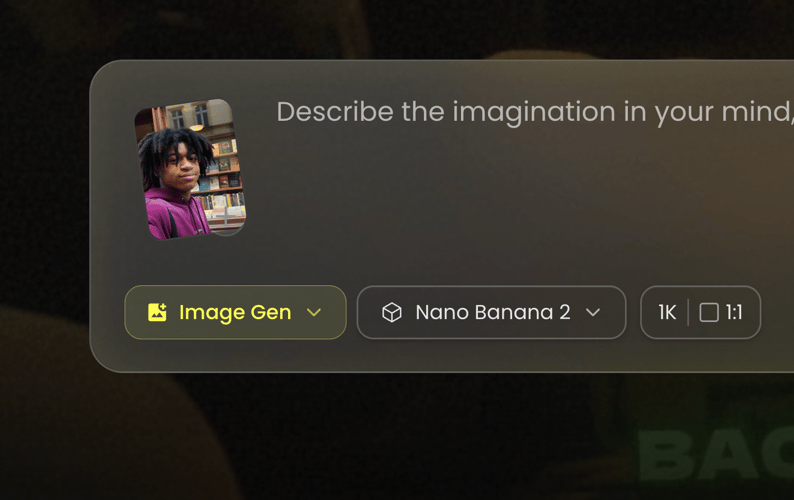
Upload Your Image
Start with any image you want to edit. Upload a photo, product shot, portrait, or creative visual and give Buzzy the image to work with.
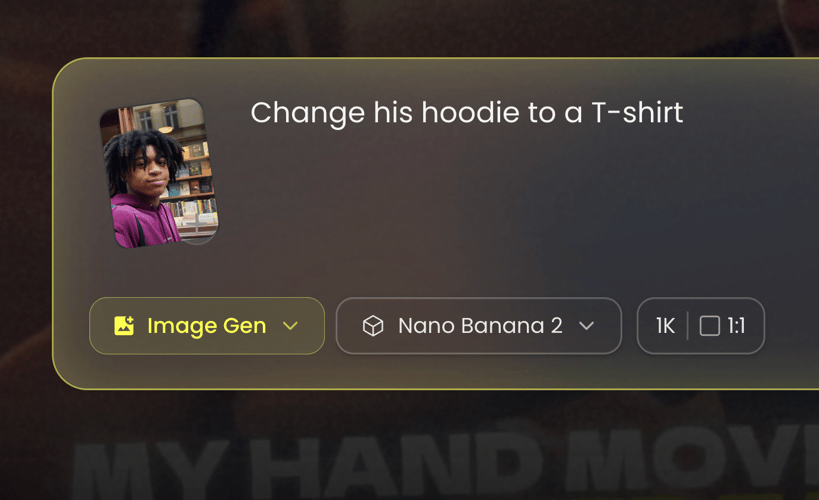
Describe Your Edit
Tell Buzzy what you want to change in plain language. Remove objects, replace backgrounds, enhance details, change styles, or make any other edit you have in mind.
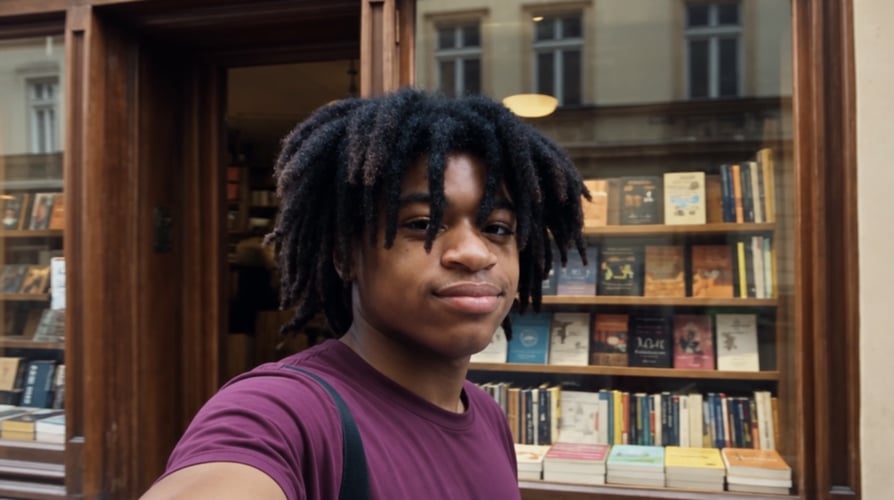
Create and Refine
Buzzy turns your prompt into a polished image in seconds. Review the result, make additional changes, and keep refining until it looks exactly right.
AI Image Editing For Every Creative Need
Remove, replace, enhance, restore, extend, and transform any image from a single prompt. Leading image models in one workflow, with no masking and no editing skills required.
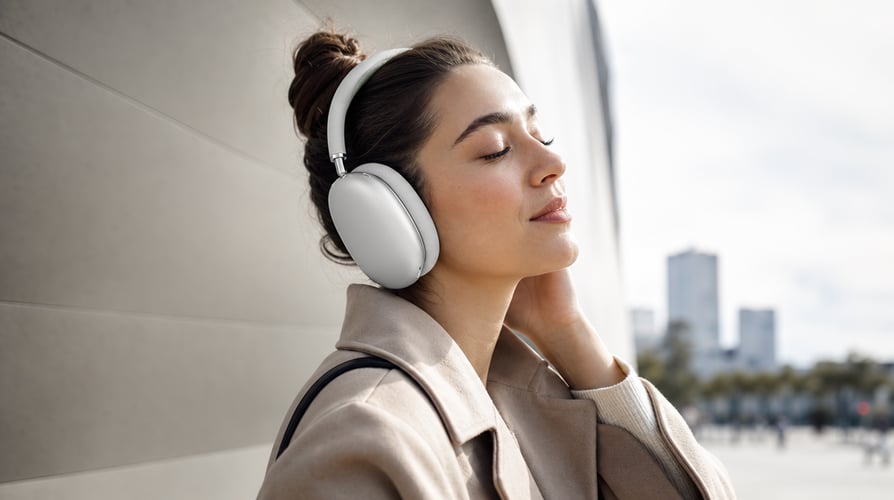
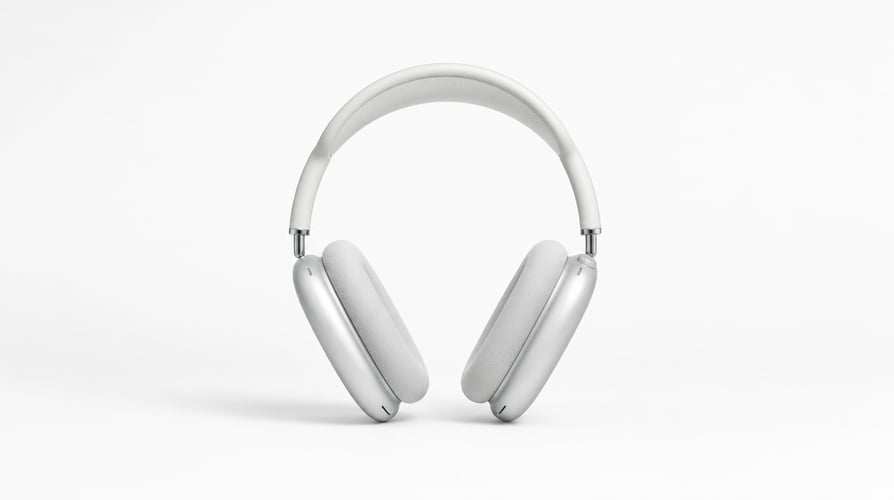
Edit Product and E-commerce Images
Create polished product visuals for stores, ads, and marketplaces. Change backgrounds, colors, lighting, and environments or add new elements with a simple prompt.
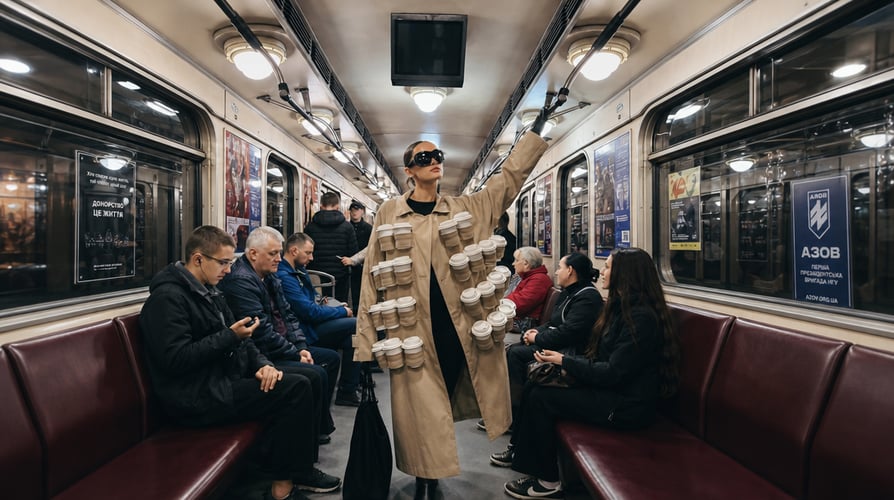
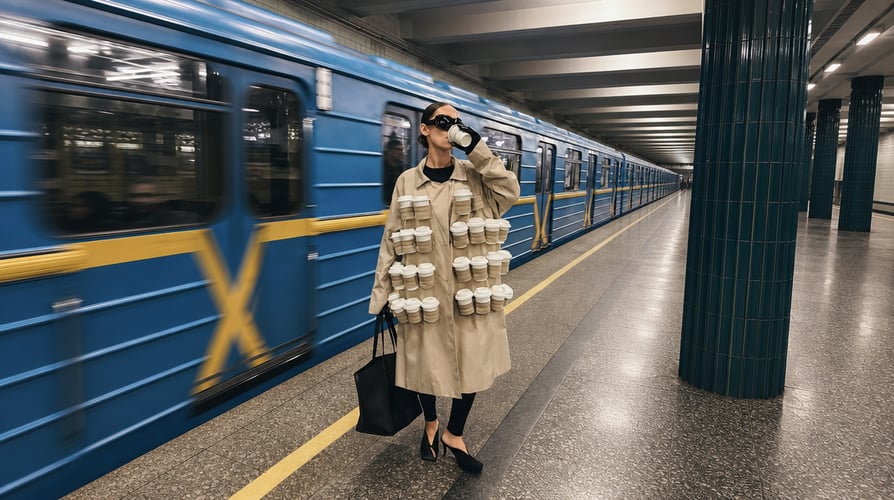
Edit Marketing and Social Content
Bring your marketing ideas to life with visuals for ads, social posts, thumbnails, and banners. Add, remove, or transform elements and adapt your content for different platforms and formats.
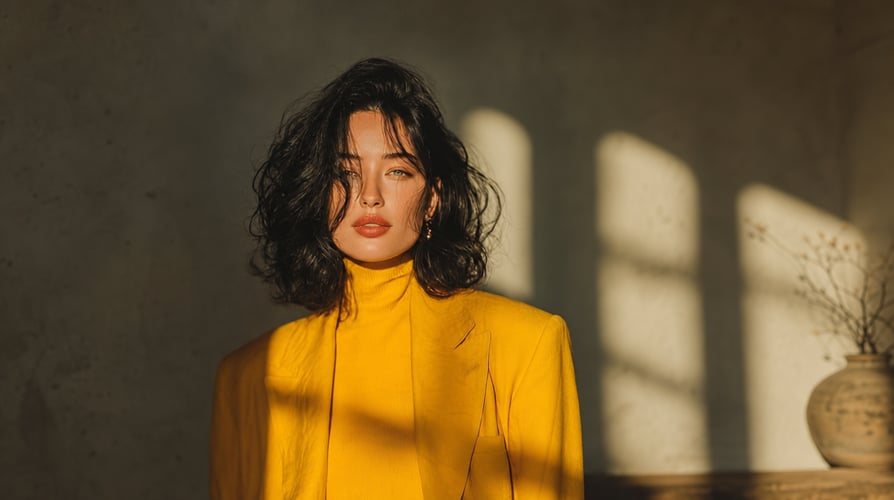
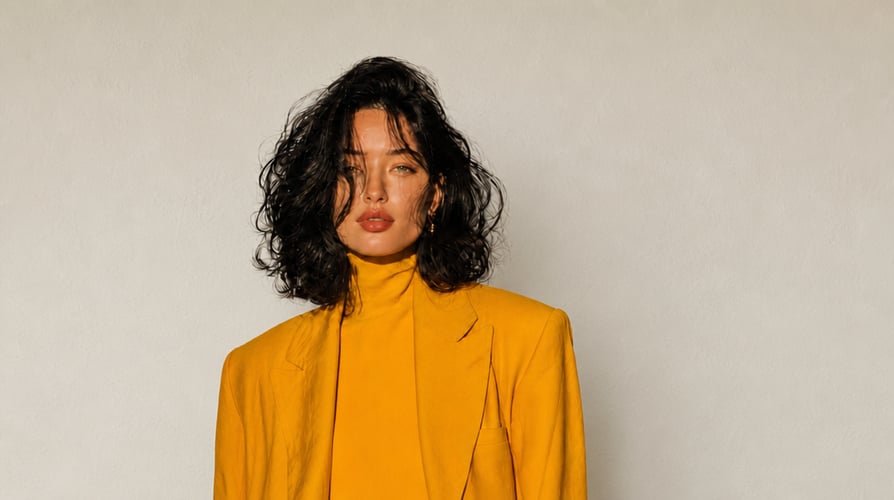
Edit Portraits and Headshots
Give everyday photos a polished, professional look. Change outfits, backgrounds, lighting, hairstyles, and styles while keeping your subject natural and recognizable.
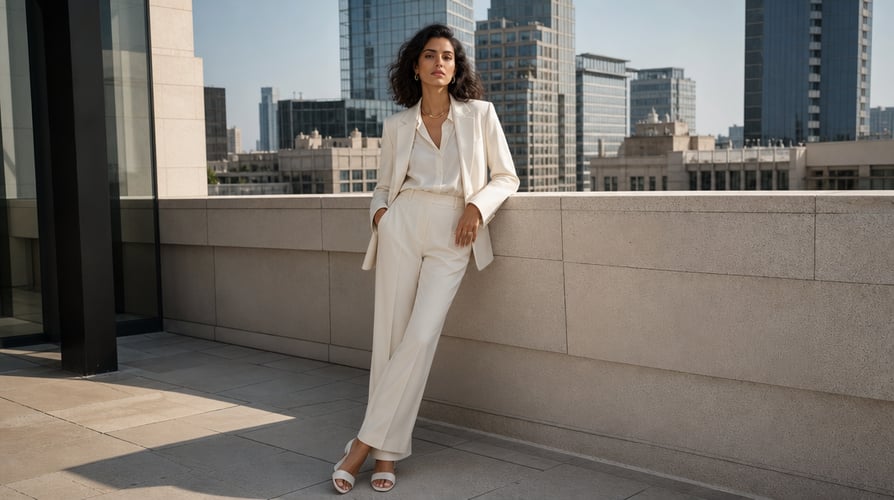
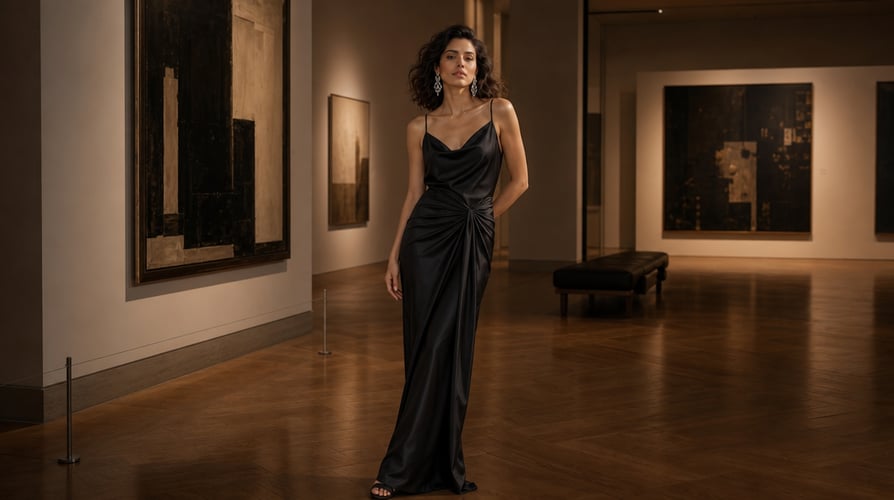
Edit Fashion and Lifestyle Images
Explore new looks and creative scenes for fashion and lifestyle content. Change outfits, locations, lighting, poses, and visual details for campaigns, social media, and creative projects.
Frequently Asked Questions
Everything you need to know about editing images with AI.
An AI image editor lets you modify images using natural-language prompts. With Buzzy, you can remove, replace, enhance, restore, extend, and transform images without complex editing tools.
Upload an image, describe the changes you want in a simple prompt, and Buzzy generates the edit for you. You can keep prompting to refine the result until it looks right.
Buzzy gives you access to leading AI image models like GPT Image, Nano Banana, FLUX, and more. Choose the model that fits your needs and switch between models freely in one workflow.
You can change backgrounds, remove or add objects, swap outfits and faces, adjust lighting and colors, enhance image quality, restore old photos, extend images, and transform visual styles.
Yes. You can add reference images to guide the subject, style, composition, or visual direction of your edit and create more consistent results.
Yes. Buzzy can improve clarity, sharpen details, upscale resolution, and restore older or damaged images while preserving the original look and character.
Commercial use depends on the applicable model licenses and Buzzy’s current terms. Review Buzzy’s terms and the specific model’s usage rights before publishing or distributing commercial work.
No. Buzzy is designed around natural-language editing, so you can describe what you want without manually masking, selecting, or using complicated editing tools.