
AI Image Enhancer
Upscale low-resolution images, reduce blur and noise, restore worn photos, and refine details with an AI image enhancer built for photos, artwork, and product visuals.
New here? Sign up and get free credits to try it.
What Our AI Image Enhancer Can Improve
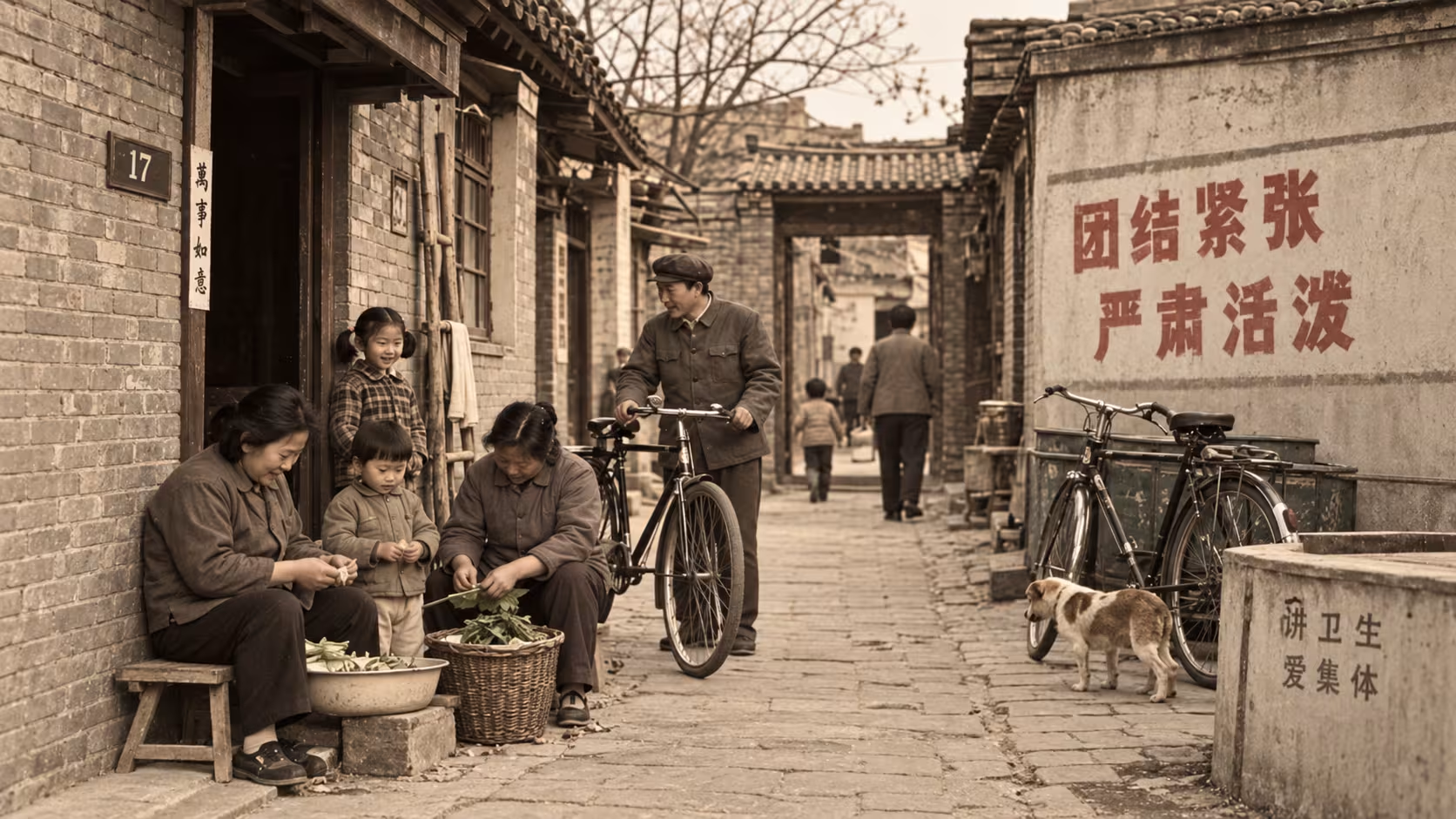
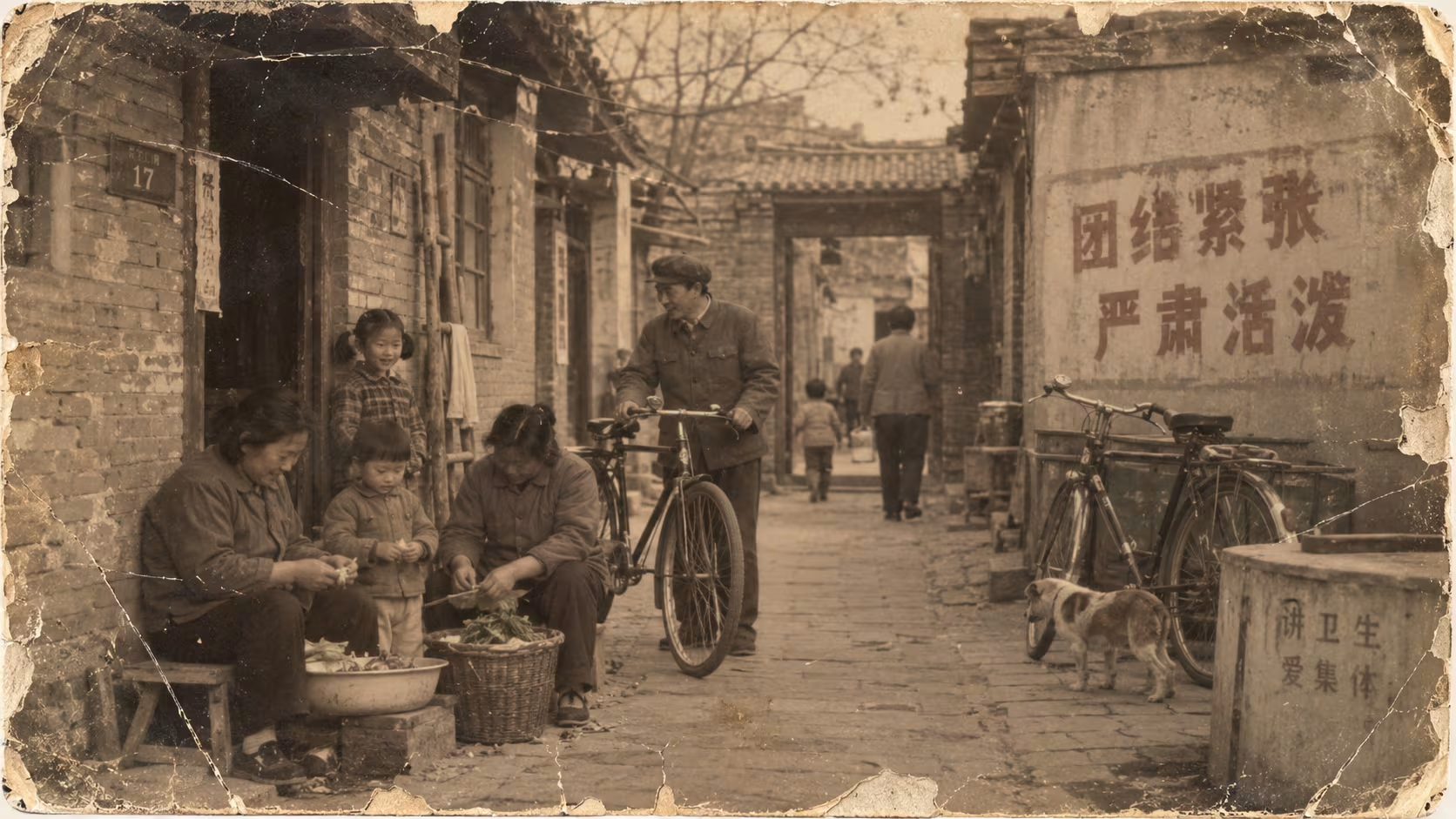
Sharpen soft edges, reduce noise and compression artifacts, upscale resolution, and restore usable detail with one AI image enhancement workflow.
 BeforeAfter
AI Repair Damaged Image Details
Images often suffer from damaged pixels, missing textures, partial blurriness and corrupted details during shooting, transmission and storage, which cannot be fixed by ordinary photo editing tools. As a professional AI Image Enhancer, it intelligently identifies damaged areas, incomplete textures and blurred parts of any image and automatically repairs missing visual details. With the precise restoration capability of the Fine Grain Image Enhancer algorithm, it recovers tiny textures, clear edges and original material details perfectly. This tool finely fixes compression damage, picture scratches, faded details and partial blurriness, restoring complete and high-quality visuals with one click.
Enhance Now
 BeforeAfter
2K to 8K Ultra HD Quality Upgrading
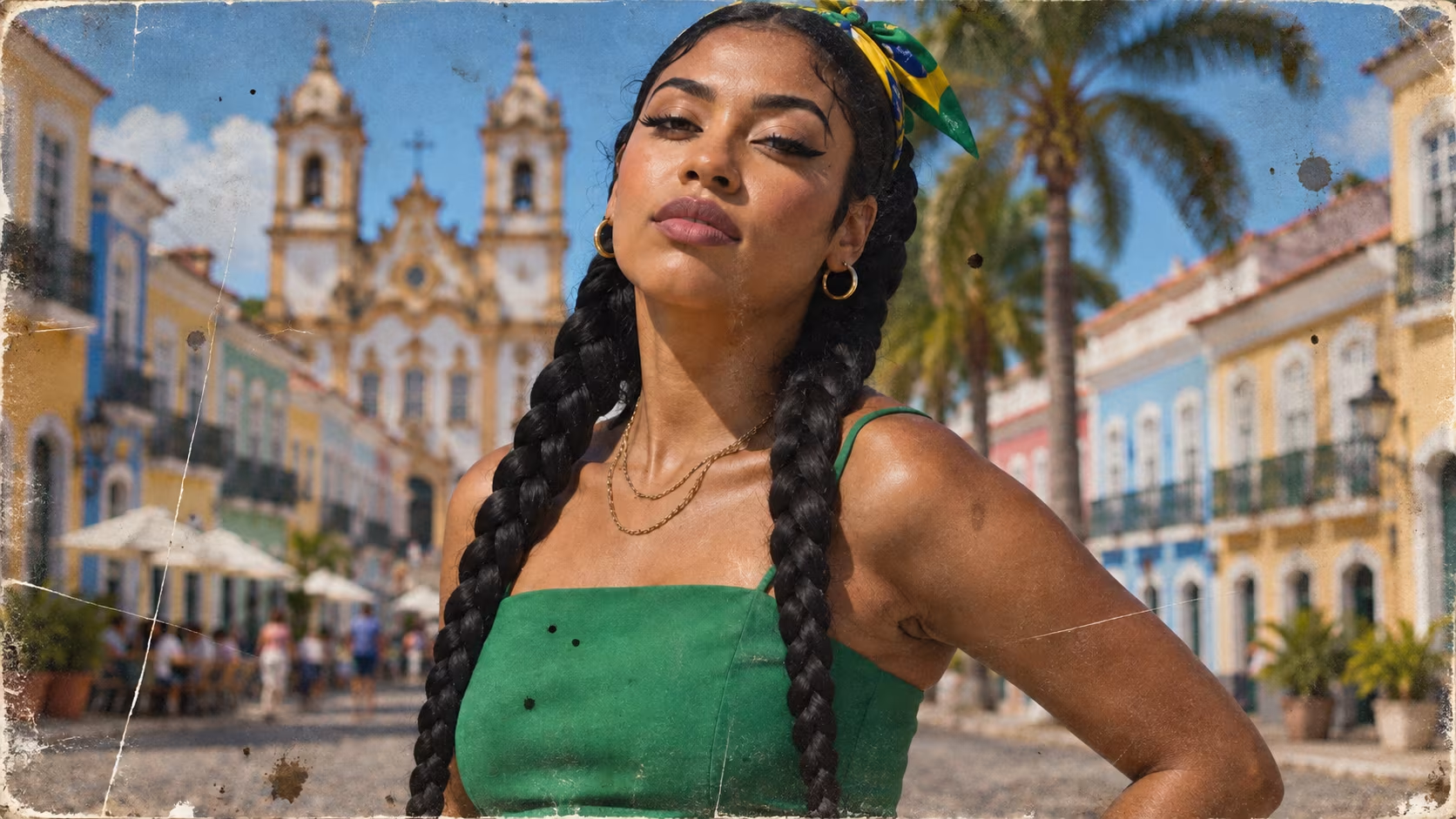
Ordinary 2K images will appear pixelated, blurry and lacking in detail when enlarged, displayed in high resolution or used for commercial posters and printing. The professional AI Image Enhancer provides ultra HD image upgrading solutions, capable of upgrading standard 2K images to 4K, 6K and even 8K high-definition quality without quality loss. Powered by micro-level pixel reconstruction technology, the Fine Grain Image Enhancer generates natural and real supplementary pixels, fills missing details, and improves image transparency, layering and overall delicacy. It avoids stretching distortion and jagged edges, perfectly fitting wallpaper design, e-commerce images, photography works and printing materials.
Enhance Now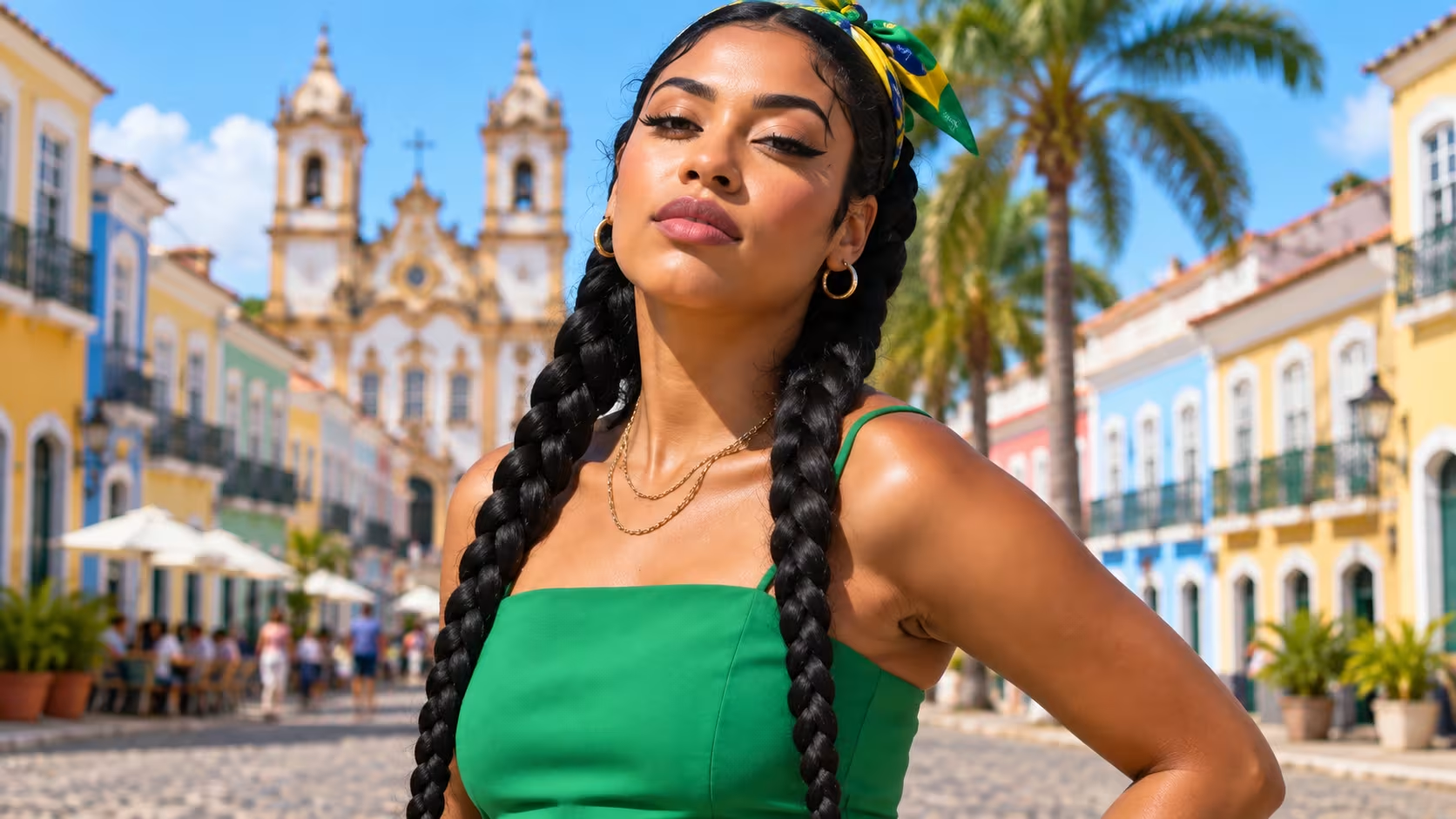
 BeforeAfter
One-Click Deblur for Blurry Photos
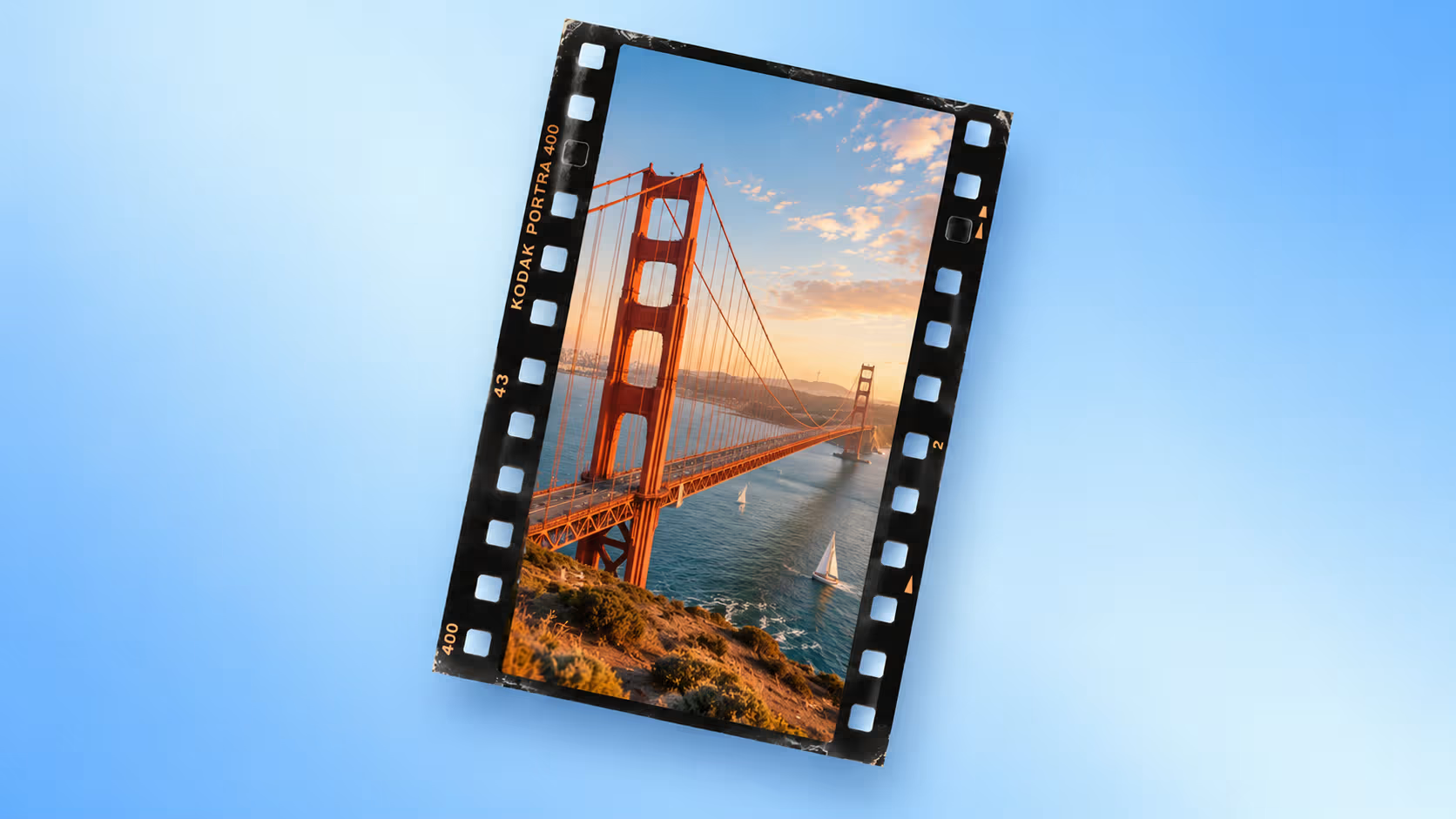
Out-of-focus photos, motion-blur shots, hazy night images and long-distance shots usually suffer from foggy visuals, soft edges and unclear textures, greatly reducing image usability and viewing experience. The professional AI Image Enhancer is designed for blurry photo optimization, intelligently recognizing out-of-focus defects, motion blur and hazy fog effects. The core Fine Grain Image Enhancer technology sharply refines object edges, texture lines and main outlines while removing foggy noise and blurry overlays. It greatly improves image clarity and transparency while maintaining natural visual effects, turning blurry photos into high-definition works in one click.
Enhance Now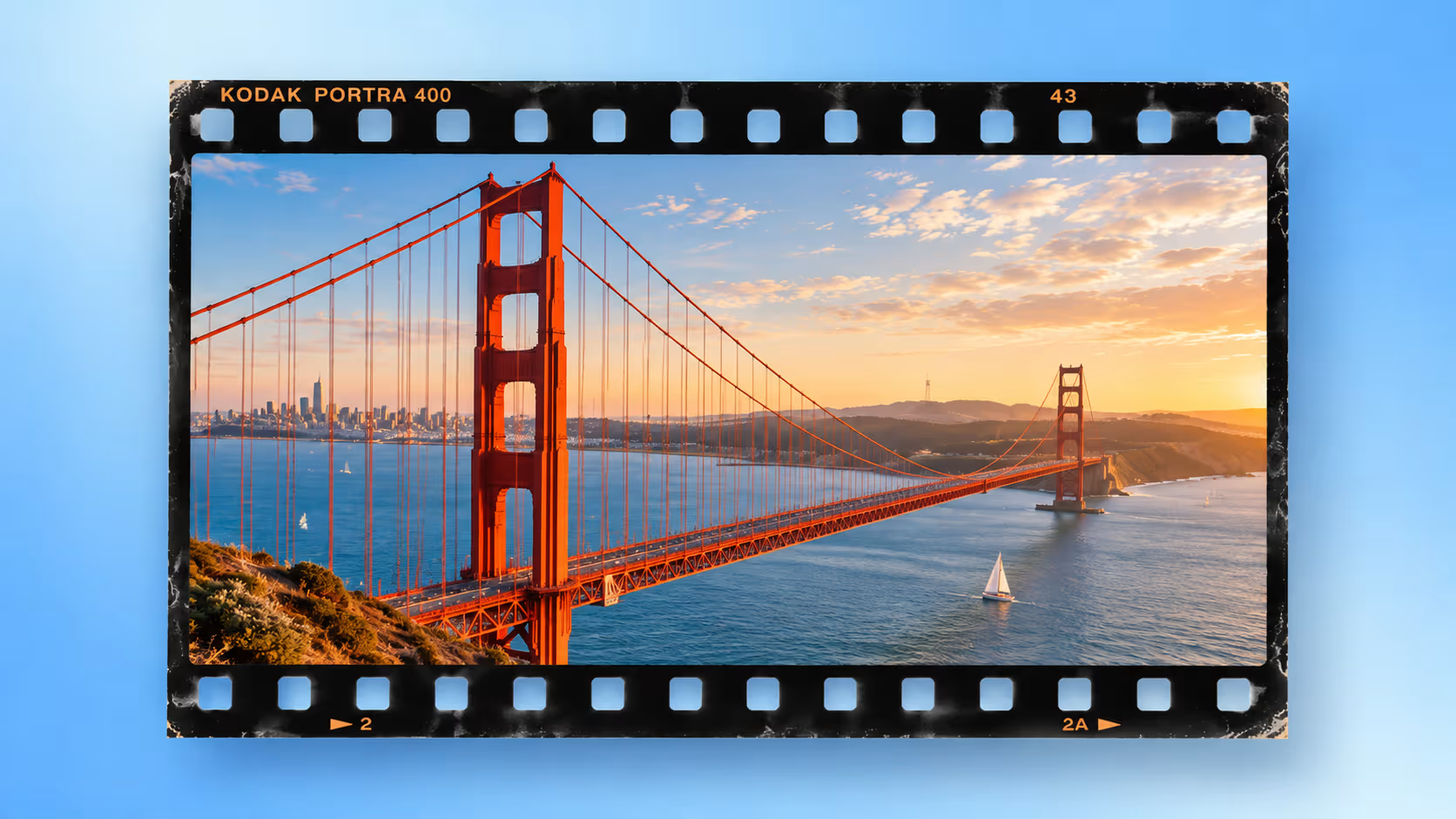
 BeforeAfter
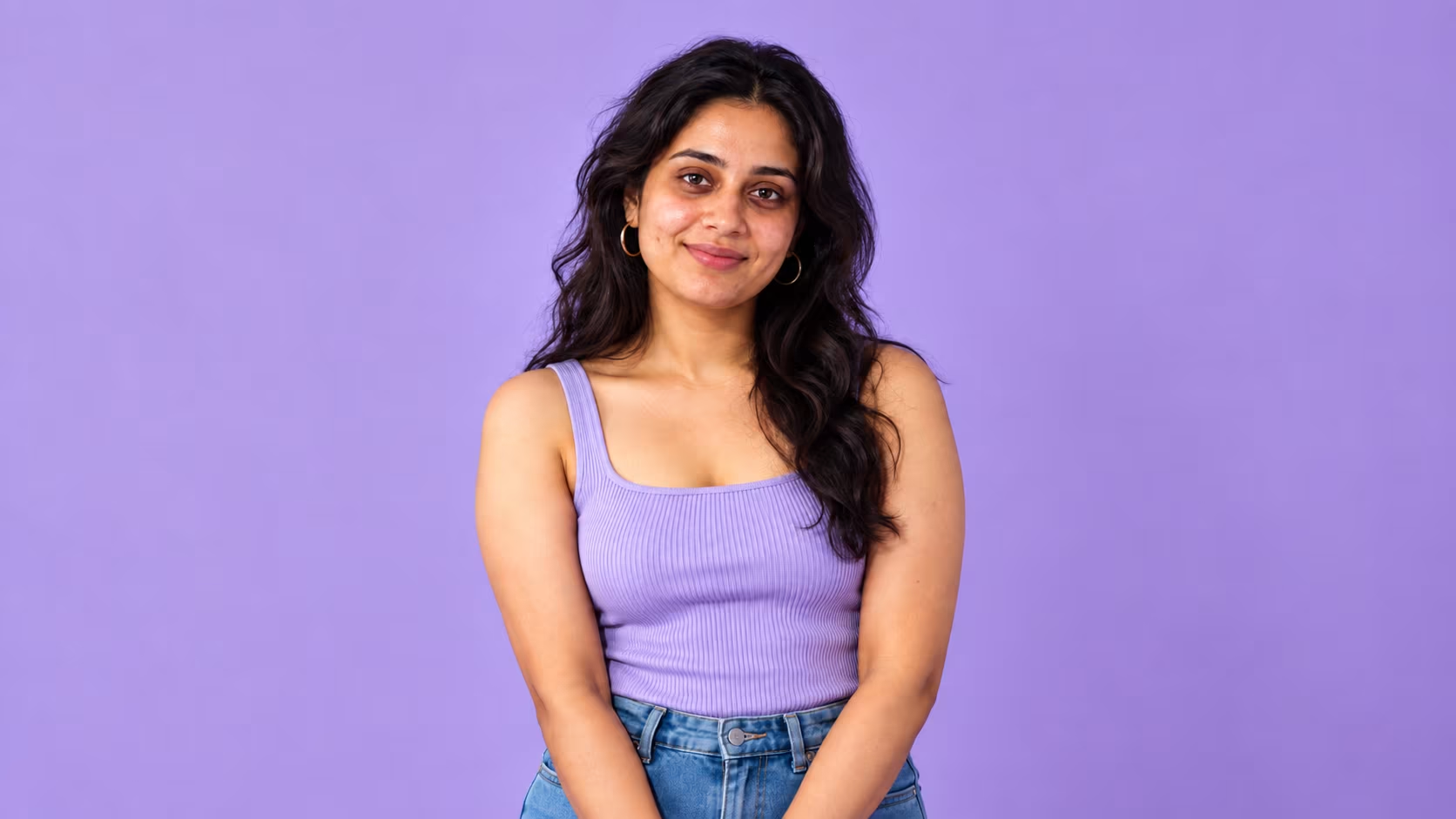
Lossless Image Enlargement Without Jagged Edges
Traditional image enlargers simply stretch pictures, resulting in severe jagged edges, distorted outlines and blurred details after zooming. The AI Image Enhancer completely abandons simple stretching logic and adopts advanced AI pixel filling algorithms to achieve true lossless image enlargement. The built-in Fine Grain Image Enhancer accurately captures original texture structures and intelligently deduces and supplements missing pixel details. It supports multi-scale enlargement while maintaining clean edges, complete textures and zero distortion. It perfectly enlarges small-size materials, screenshots and low-resolution web images into high-definition commercial pictures.
Enhance Now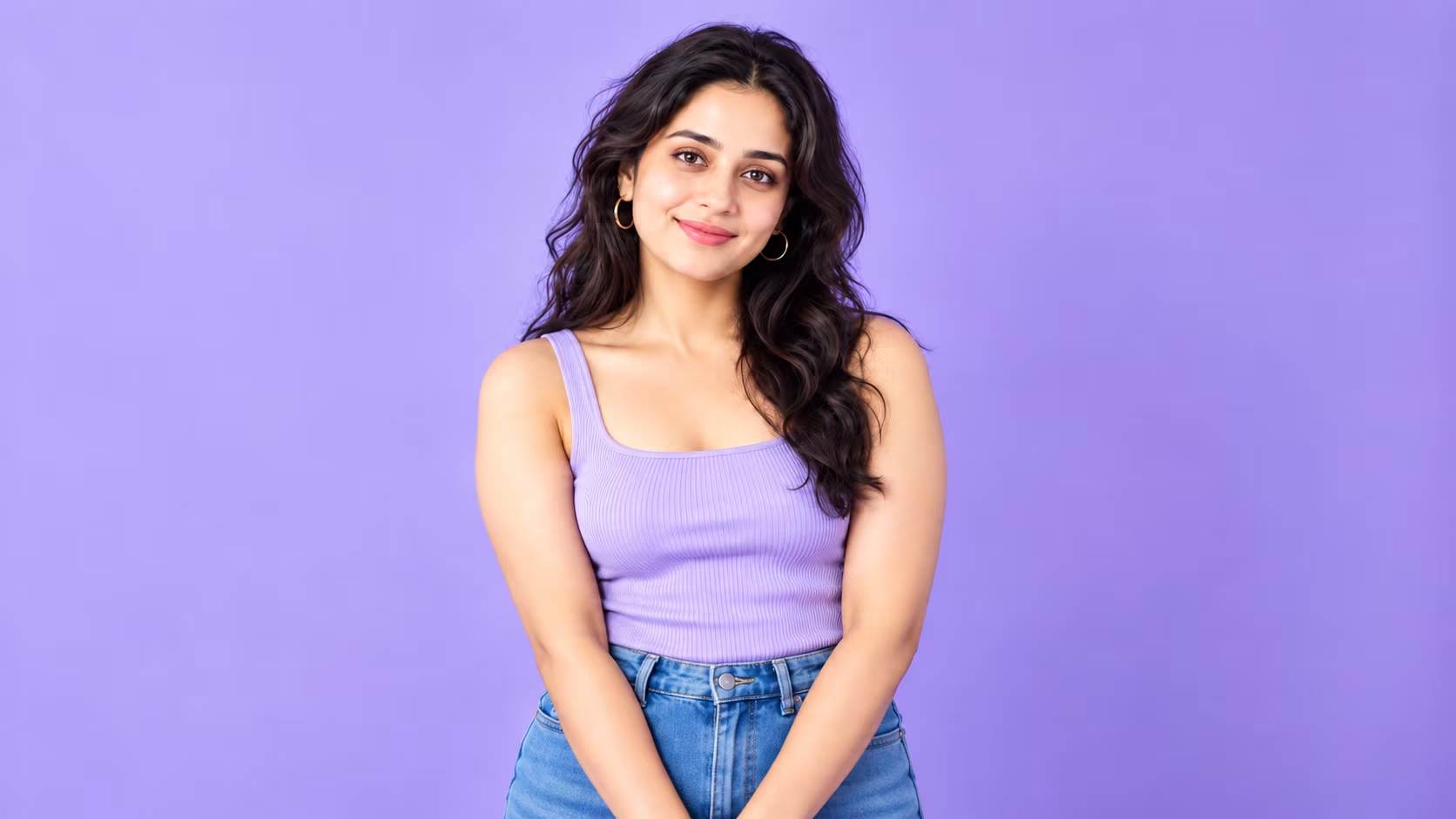
 BeforeAfter
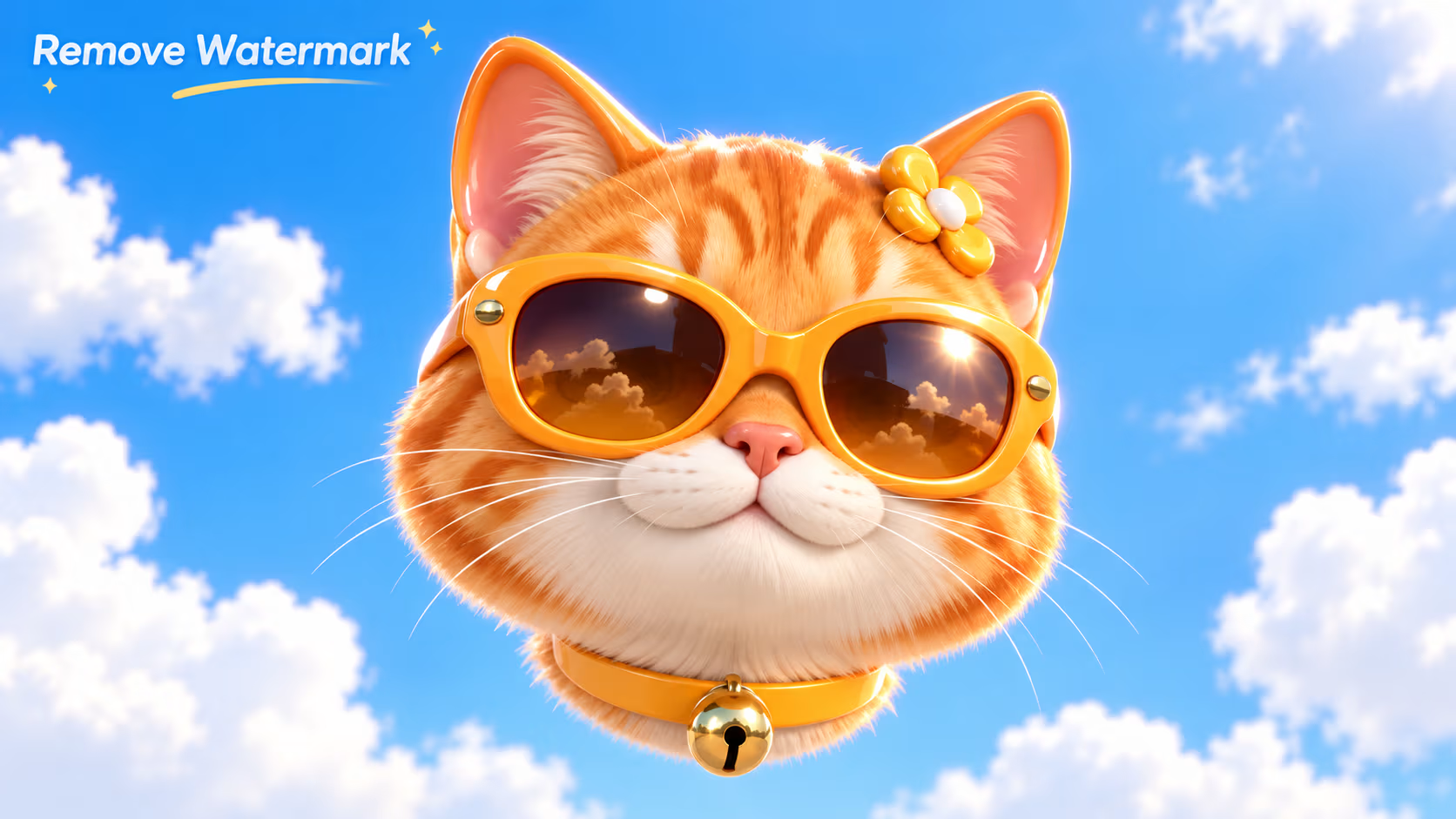
Intelligent Photo Denoising
Photos taken in low light, night scenes and high ISO environments are usually full of noise, grainy particles and messy spots, leading to rough and low-quality visuals. The professional AI Image Enhancer features intelligent AI denoising functions that accurately distinguish valid image details from invalid noise particles. With layered noise reduction technology, the Fine Grain Image Enhancer thoroughly eliminates grainy textures, colorful noise and messy speckles while retaining original details of portraits, scenery and light shadows. It avoids over-smoothing blurriness and turns rough dark photos into clean, pure and high-quality visuals.
Enhance Now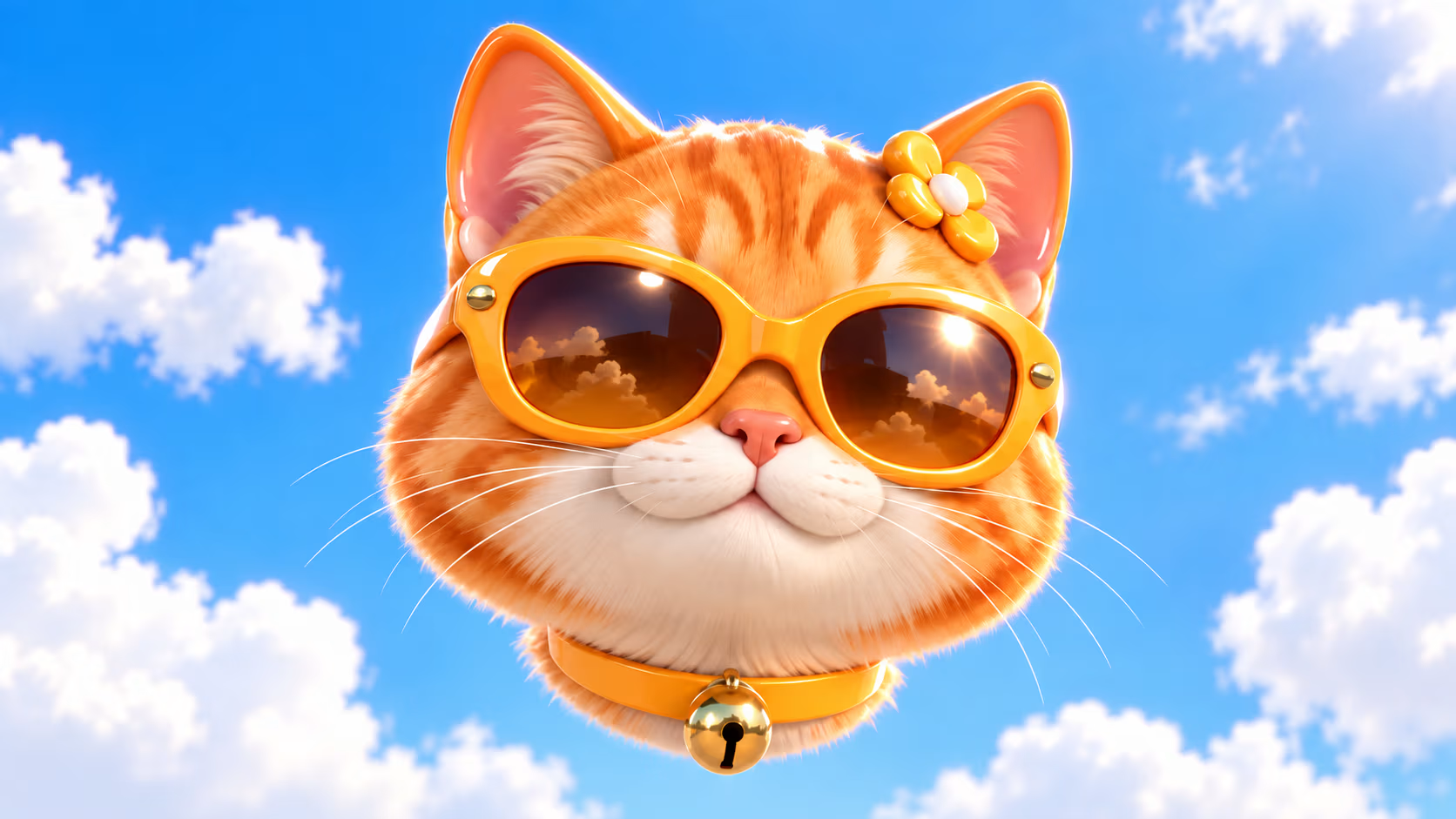
 BeforeAfter
Old Photo Restoration in HD
Old scanned photos and vintage paper pictures usually suffer from yellowing, fading, grayish visuals, worn textures, blurriness and scratches, which are hard to repair with traditional editing methods. The dedicated AI Image Enhancer provides professional old photo restoration solutions, automatically correcting faded colors and gray tones of vintage images. The advanced Fine Grain Image Enhancer deeply restores worn, faded and missing textures, finely fixes scratches and blurry areas, and optimizes image contrast and transparency. It revives old yellow photos with clear details, natural colors and high-definition quality to preserve precious memories.
Enhance Now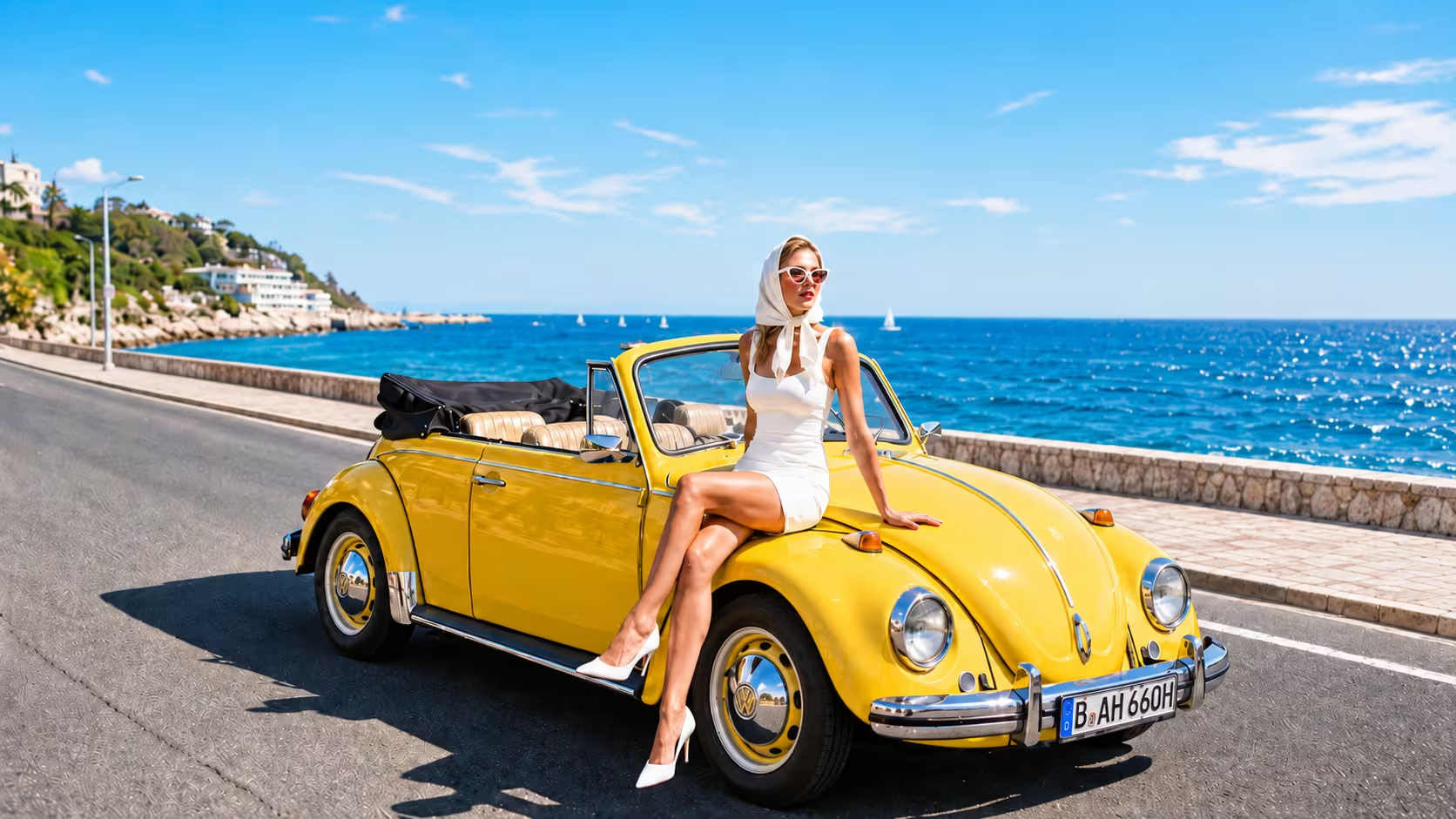
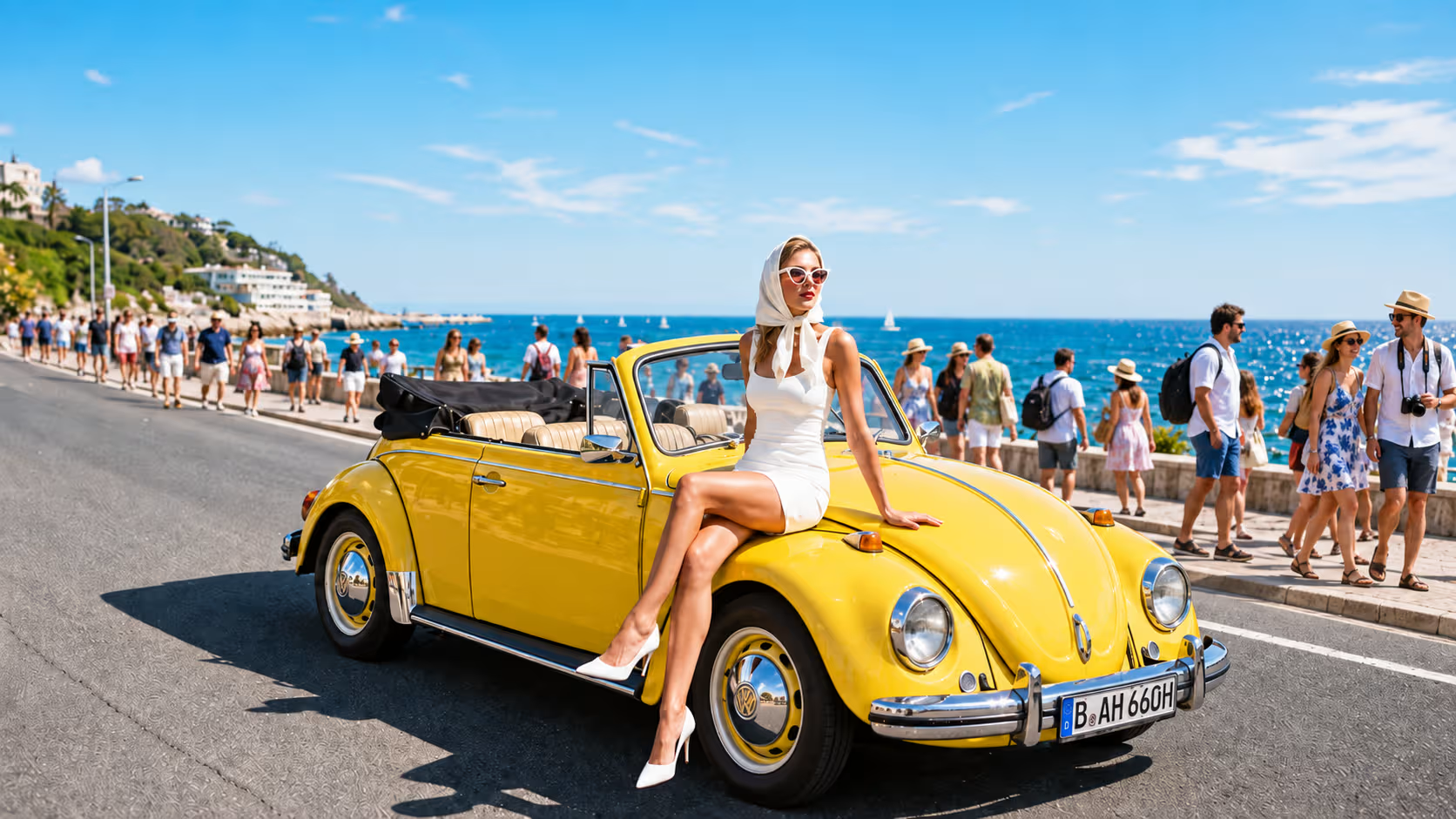 BeforeAfter
Compressed Image Quality Recovery
Images will lose massive pixels and details after social media and web compression, resulting in blurry visuals, broken textures and damaged quality, which cannot be reused directly. The professional AI Image Enhancer specially fixes image damage caused by platform compression and reverses pixel loss and blurriness brought by compression algorithms. The accurate Fine Grain Image Enhancer reconstructs damaged textures, supplements missing details, and restores original clarity, color saturation and visual texture. It perfectly rescues all kinds of compressed images and makes damaged pictures high-definition and reusable again.
Enhance Now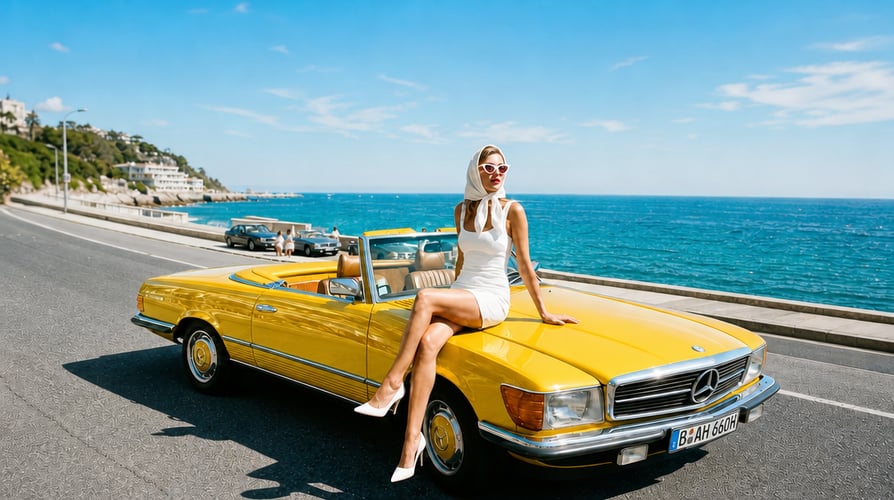
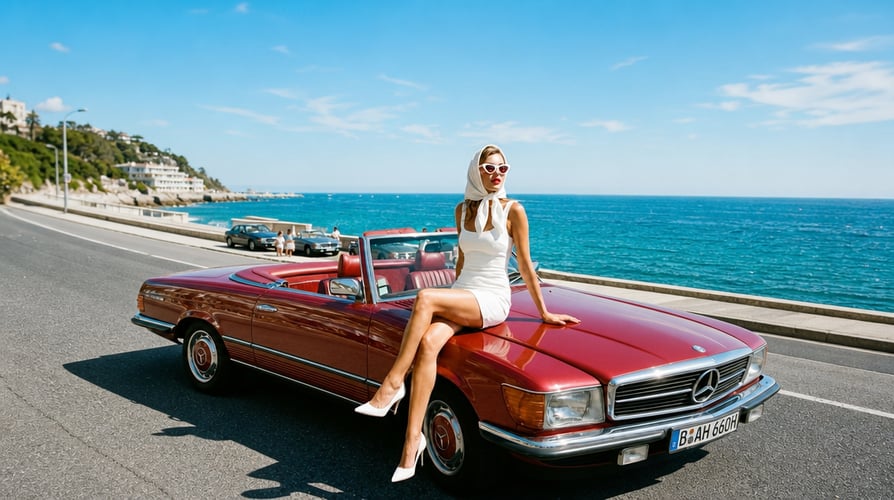 BeforeAfter
Portrait Photo Quality Refinement
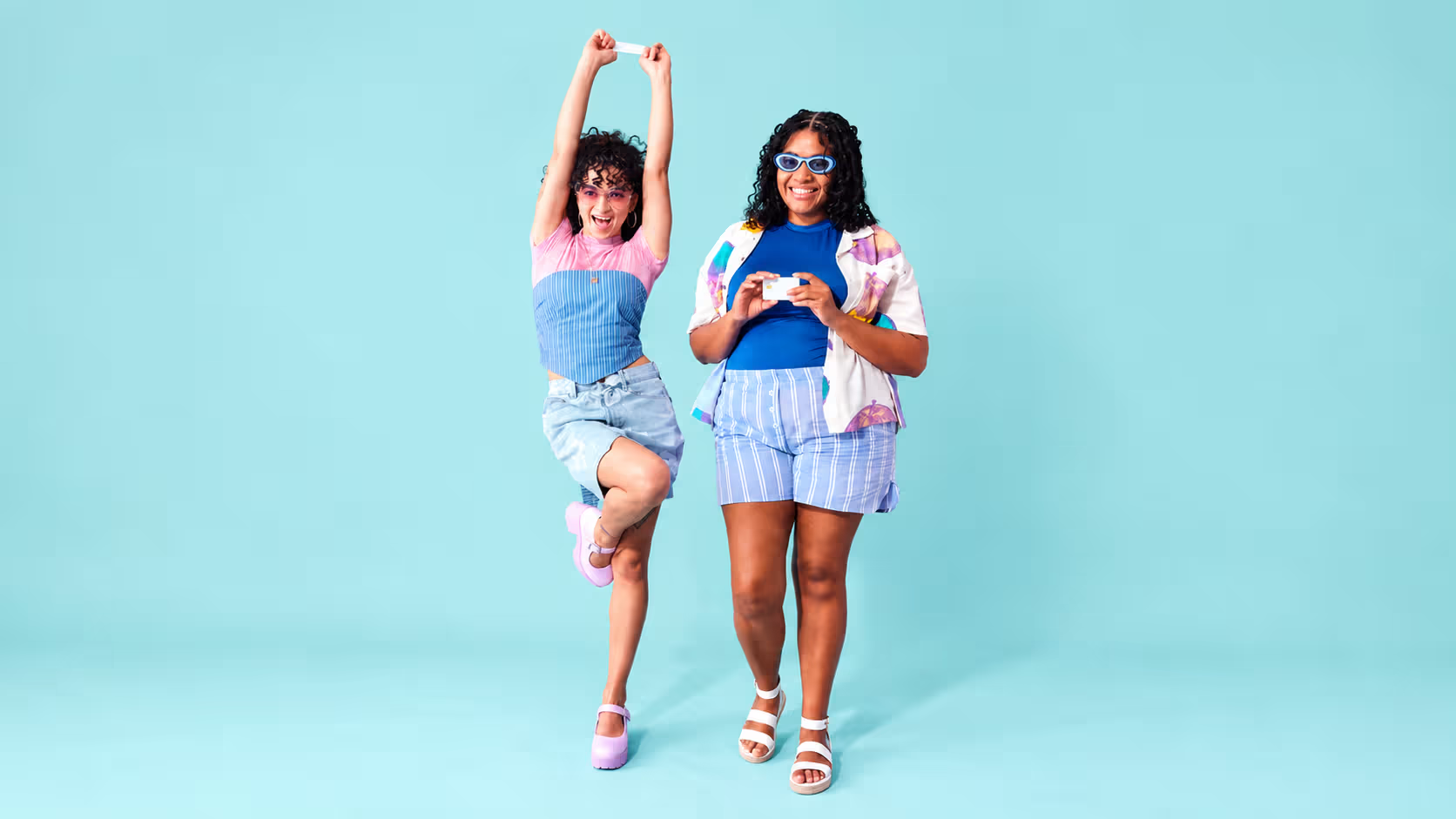
Ordinary portrait photos often have rough skin texture, blurry facial features, messy hair strands and flat lighting, while traditional beauty filters easily cause distorted faces and unnatural skin. The portrait-focused AI Image Enhancer optimizes human face images with exclusive AI models, refining skin texture, brightening facial outlines and sorting out hair details. The precise Fine Grain Image Enhancer retains original facial features and natural skin texture. It sharpens details and improves high-end portrait quality without over-smoothing, fake face effects or facial distortion, creating natural, delicate and high-transparency portrait works.
Enhance Now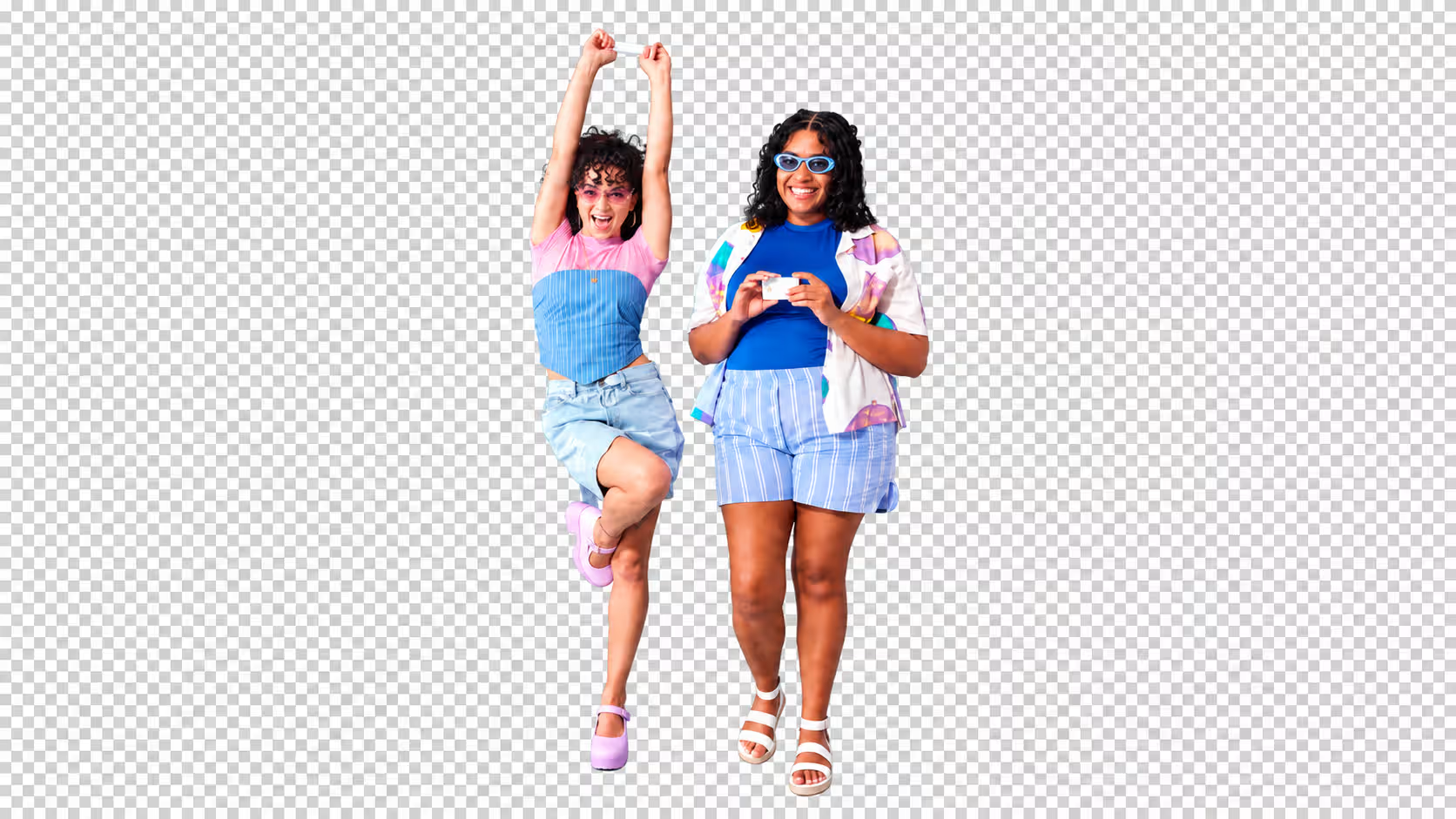
 BeforeAfter
Low-Resolution Pixel Reconstruction
Pixelated mosaic images, low-resolution materials and old screenshots have serious pixel loss, broken visuals and empty details, which cannot be fixed by ordinary tools. With deep learning pixel prediction technology, the professional AI Image Enhancer conducts global pixel reconstruction for low-quality images and intelligently deduces missing texture information. The high-precision Fine Grain Image Enhancer fills empty pixels, repairs mosaic textures, and comprehensively improves image resolution, clarity and layering. It converts useless low-definition materials into delicate, high-quality and commercial-grade images in one click.
Enhance NowEnhance in Three Steps
No advanced editing skills required. Upload an image, describe what needs improvement, and review the enhanced result.
Upload an Image
Upload a blurry, low-resolution, damaged image or one you want to enlarge. JPG, PNG and WEBP are all supported.
Describe Your Needs
Type one sentence, or simply pick a direction such as deblurring, ultra HD upscaling, denoising or old photo restoration.
Get HD Results
Review the enhanced result at full size, compare important faces, text, and fine details with the original, then download the version that fits your use.
Frequently Asked Questions
Real questions people ask before they upscale, sharpen, restore, or fix blurry photos with an AI image enhancer.
An AI image enhancer can reconstruct plausible texture and cleaner edges, but it cannot reveal hidden pixels with certainty. When the source is extremely small or damaged, some enhanced details are model-generated estimates. Compare the result with the original before using it for identification, documentation, or other accuracy-sensitive work.
It can improve mild motion blur, soft focus, haze, and weak edge definition. Severe camera shake, a completely missed focus, or a tiny unrecognizable face may not contain enough information for faithful recovery. For better results, describe the main problem instead of asking only to make the image HD.
Generative enhancement can change fine facial features, tiny lettering, fabric patterns, or background texture when the source lacks detail. Ask the AI image enhancer to preserve identity, composition, colors, and text, use a moderate upscale first, and inspect faces and logos at 100% before downloading the final image.
Use the largest, least-compressed original you have. A clean camera file or high-resolution scan gives the image enhancer more real information than a screenshot, thumbnail, or repeatedly shared JPEG. Avoid enhancing an already over-sharpened copy when the original is available.
No. Output dimensions and visible detail are different things. An image upscaler can add pixels and improve edges, but a larger file is not automatically more accurate. Choose the resolution required by your screen, marketplace, or print size, then judge clarity at the intended viewing distance.
Use a restrained prompt that asks to preserve identity and natural skin texture while improving eyes, hair, and edge clarity. Strong denoising or aggressive face recovery can over-smooth a good portrait, so begin with a moderate enhancement and compare facial proportions with the source.
It can reduce blockiness, ringing, color noise, and crunchy edges caused by JPEG or social platform compression. It cannot recreate the exact discarded data, and repeated compression limits what can be restored. Whenever possible, enhance the original file rather than a downloaded social media copy.
Scan the photo at the highest practical resolution, keep an untouched master copy, and enhance in stages: first reduce noise and compression, then repair scratches or fading, and finally upscale if needed. Check faces, jewelry, handwriting, and historical details because AI restoration may interpret unclear areas.
AI image enhancement does not give you new rights to the source image. Commercial use depends on the original image license, recognizable people, trademarks, and the terms that apply to your account and selected model. Confirm those rights before using an enhanced image in ads, products, or client work.
Enhance your image now
Upscale low-resolution images, reduce blur and noise, restore worn photos, and refine details with an AI image enhancer built for photos, artwork, and product visuals.